Your first day
The site as it runs: the rooms you record in, the people not cleared yet, the shared tablets, the morning's arrivals, the checks board, the evacuation list, medication, an incident, the close-out. The screens are from a demonstration centre, three weeks into its records; everyone in them is fictional.
-
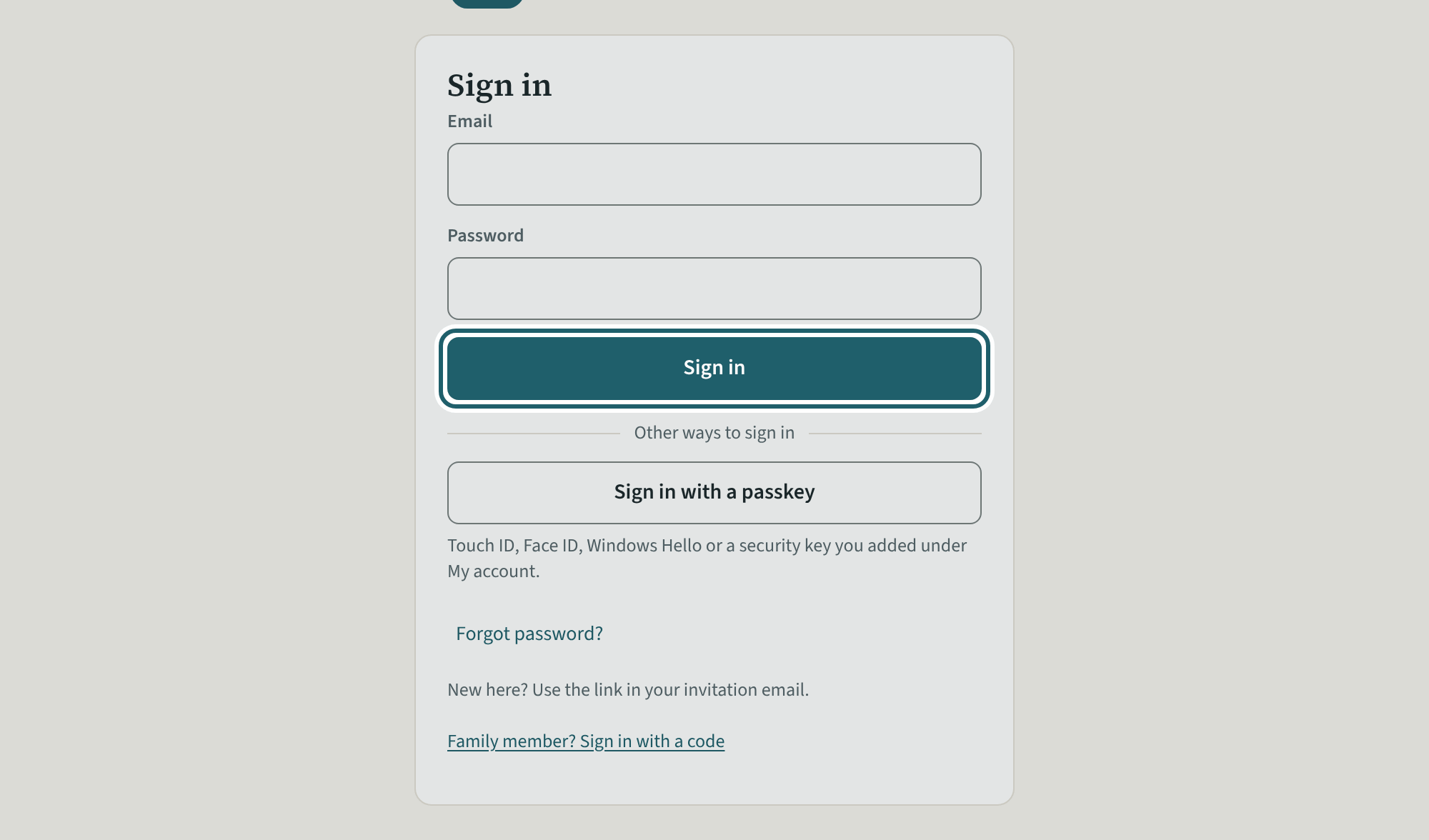
Sign in
Open the link in your invitation email and choose a password. After that, sign in with your email and that password.
Watch out: A supervisor of several sites is asked which site at sign-in and changes it from the top bar. Policies, settings, logins and billing are the administrators'.
-
The dashboard
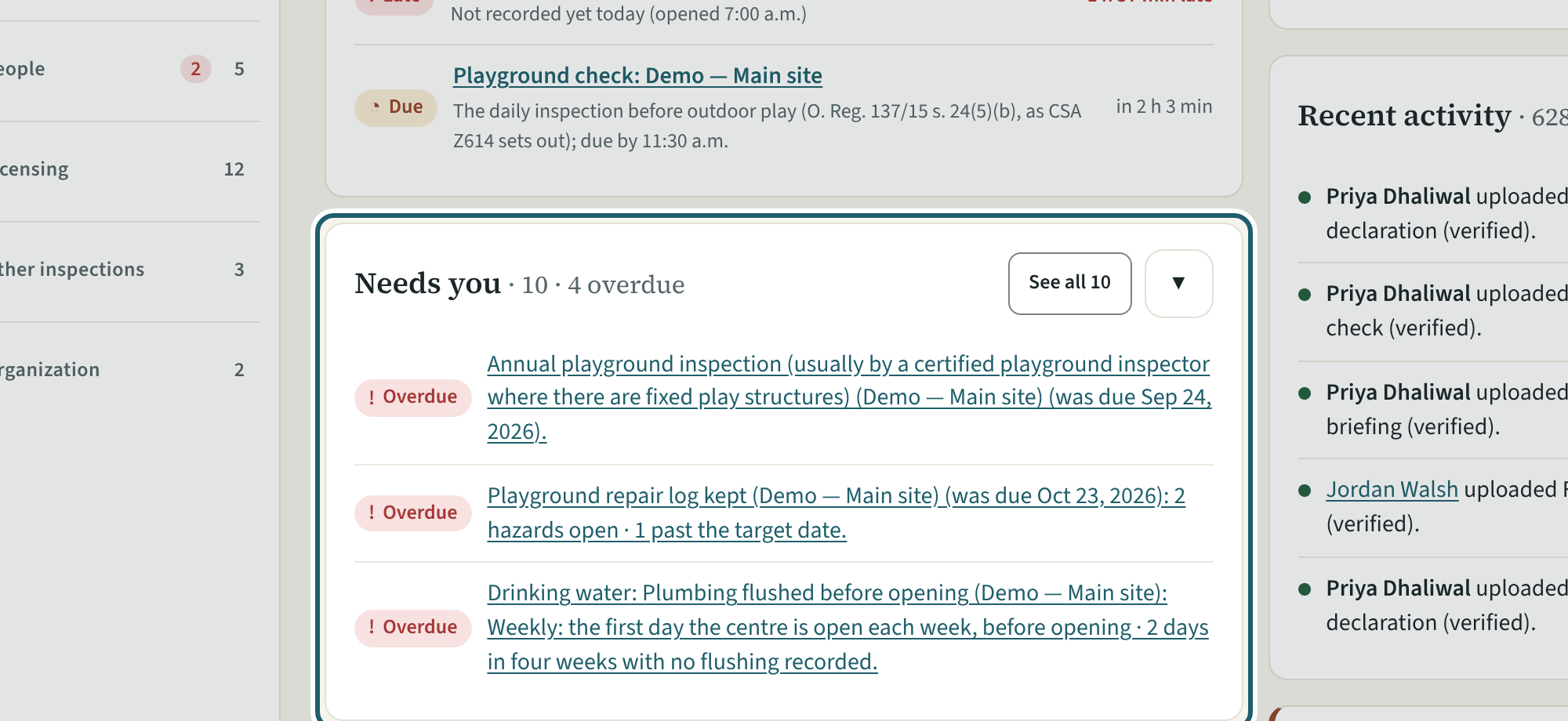
The dashboard for your site: the four figures, Needs you, the site's readiness score, recent activity and the staff still in progress.
Watch out: "Remind everyone overdue (n)" emails each person once, and not again within 20 hours.
-
Rooms
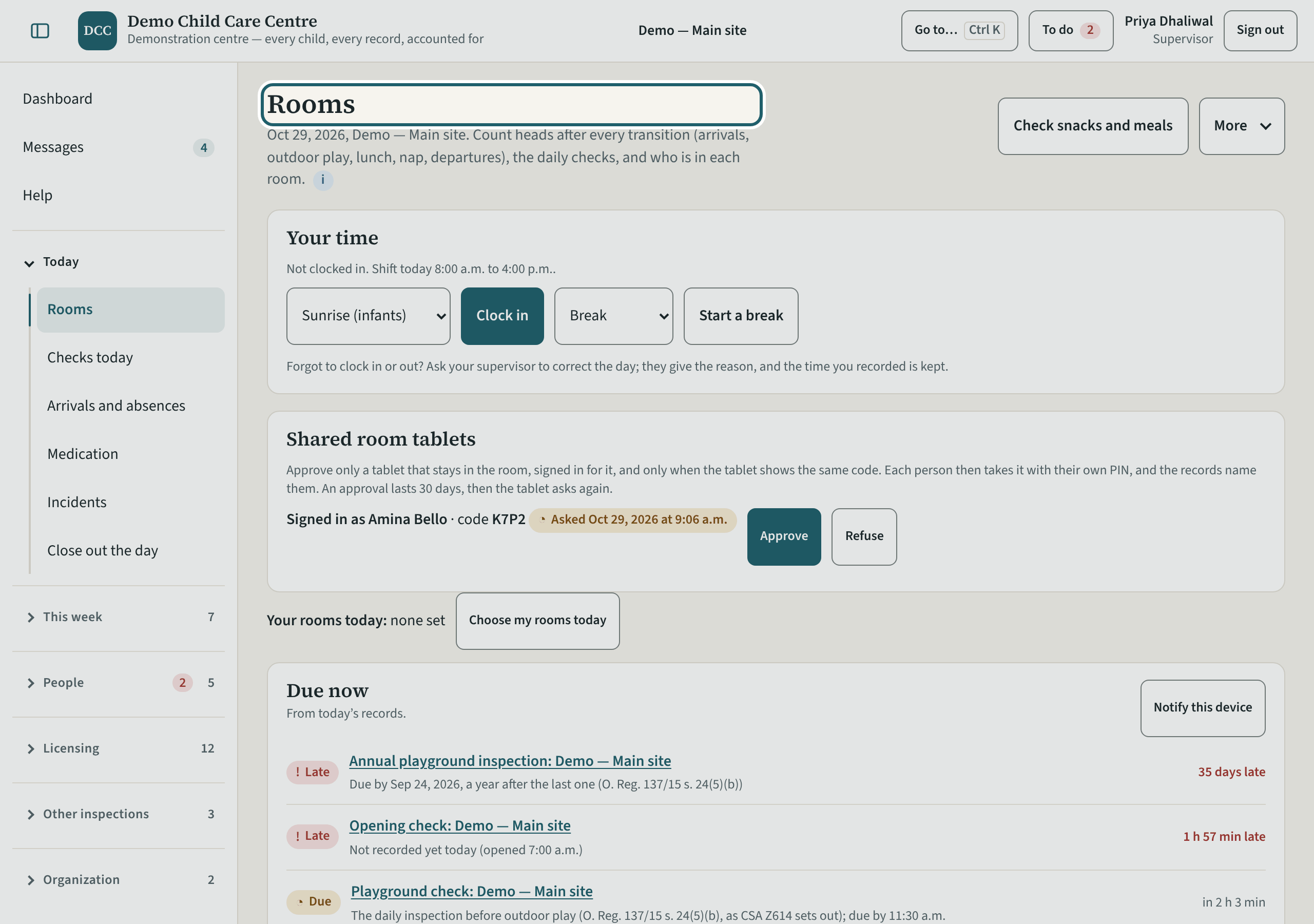
Rooms shows every room at your site: the last count and its verdict, who is in, the daily checks and the sleep checks. You record in any room, without a cover.
Watch out: You record in any room at the site without a cover, and what you record is marked as yours.
-
Who is not cleared yet
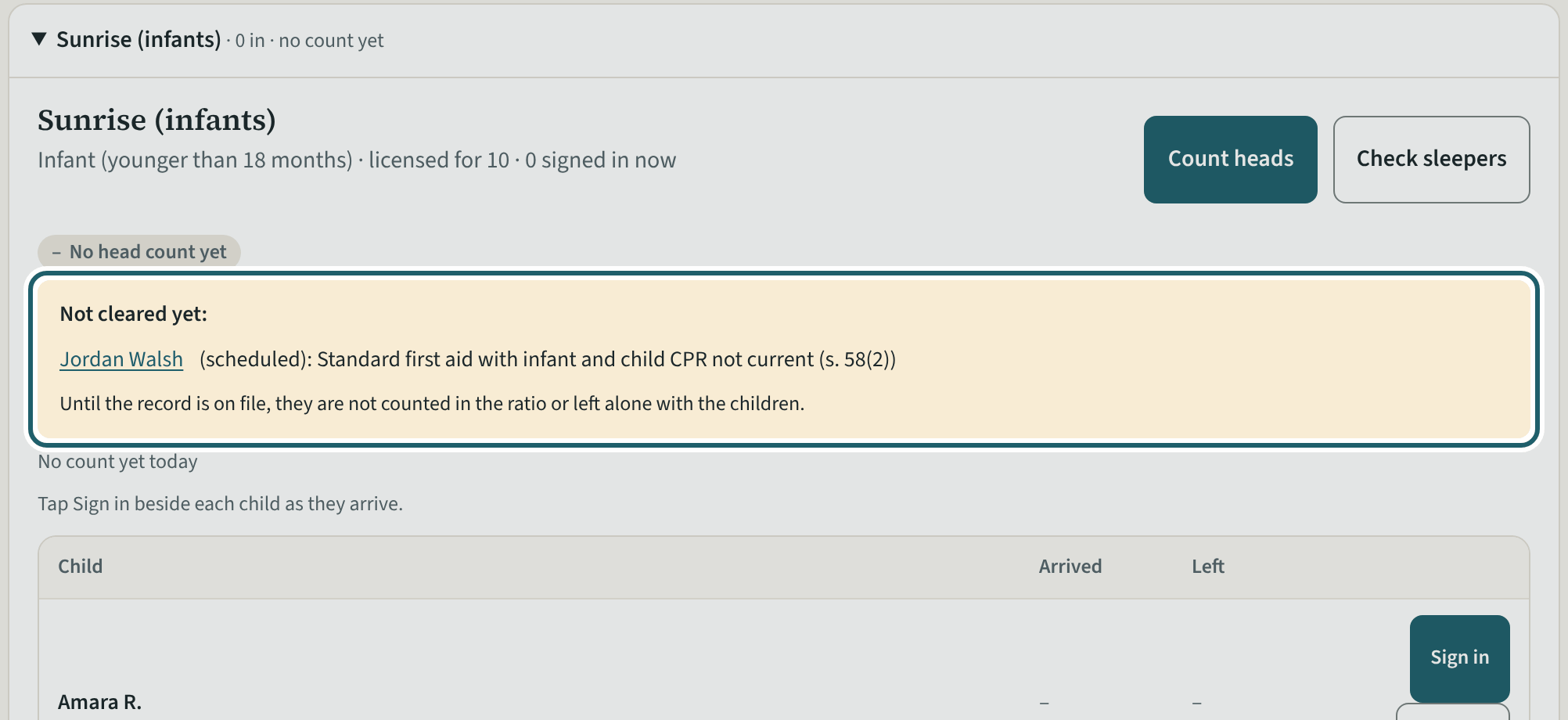
A room's card names the people not cleared yet, with the reason and a link: until the record is on file they are not counted in the ratio or left alone.
Watch out: Room staff see only the names and are told to ask you; you see the reason. Until the record is on file: supervised interactions, as your screening policy says (s. 65(e)).
-
Shared room tablets
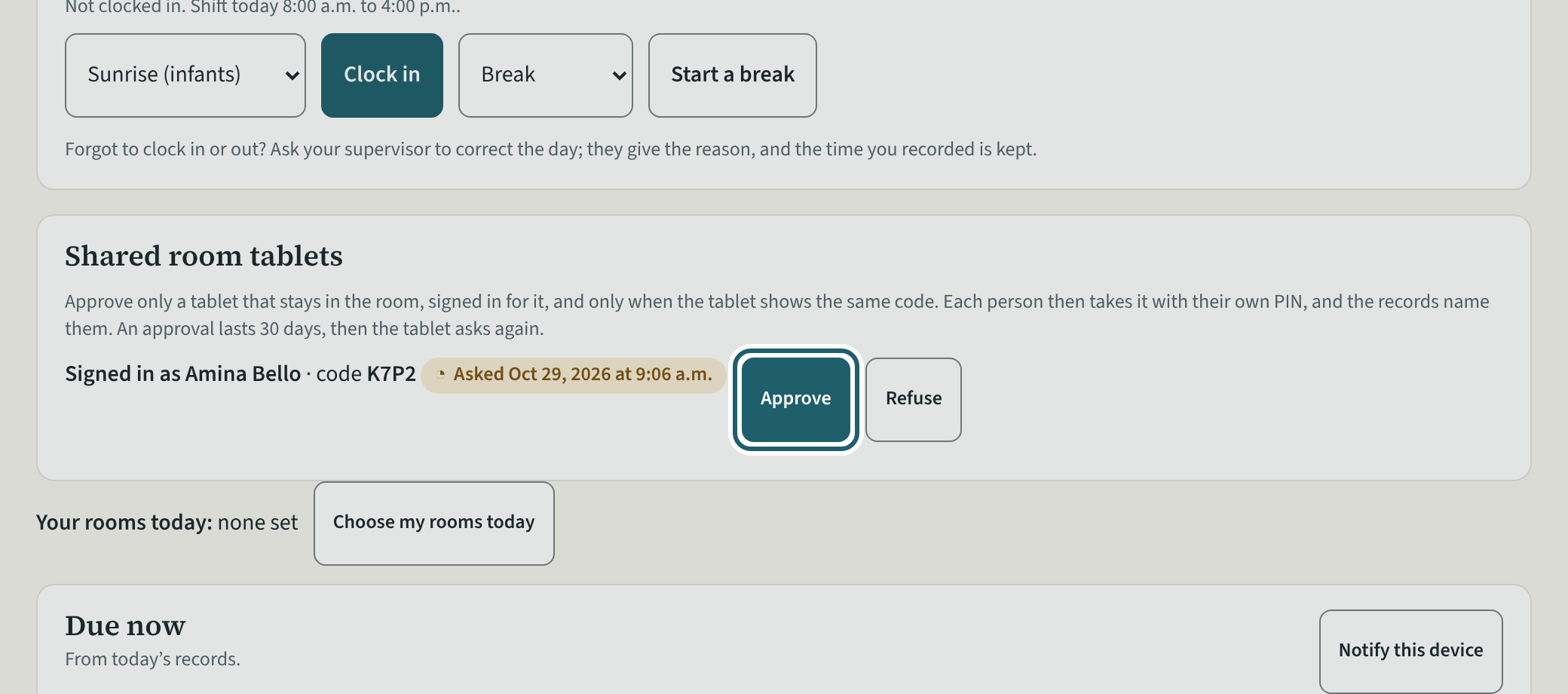
A tablet left in a room is signed in as room staff and asks to be the room's tablet with a code. Approve it when it shows the same code; 30 days at a time.
Watch out: A shared tablet is signed in as room staff, never as a supervisor or an administrator, and shows the room screen and the evacuation list only.
-
Arrivals and absences
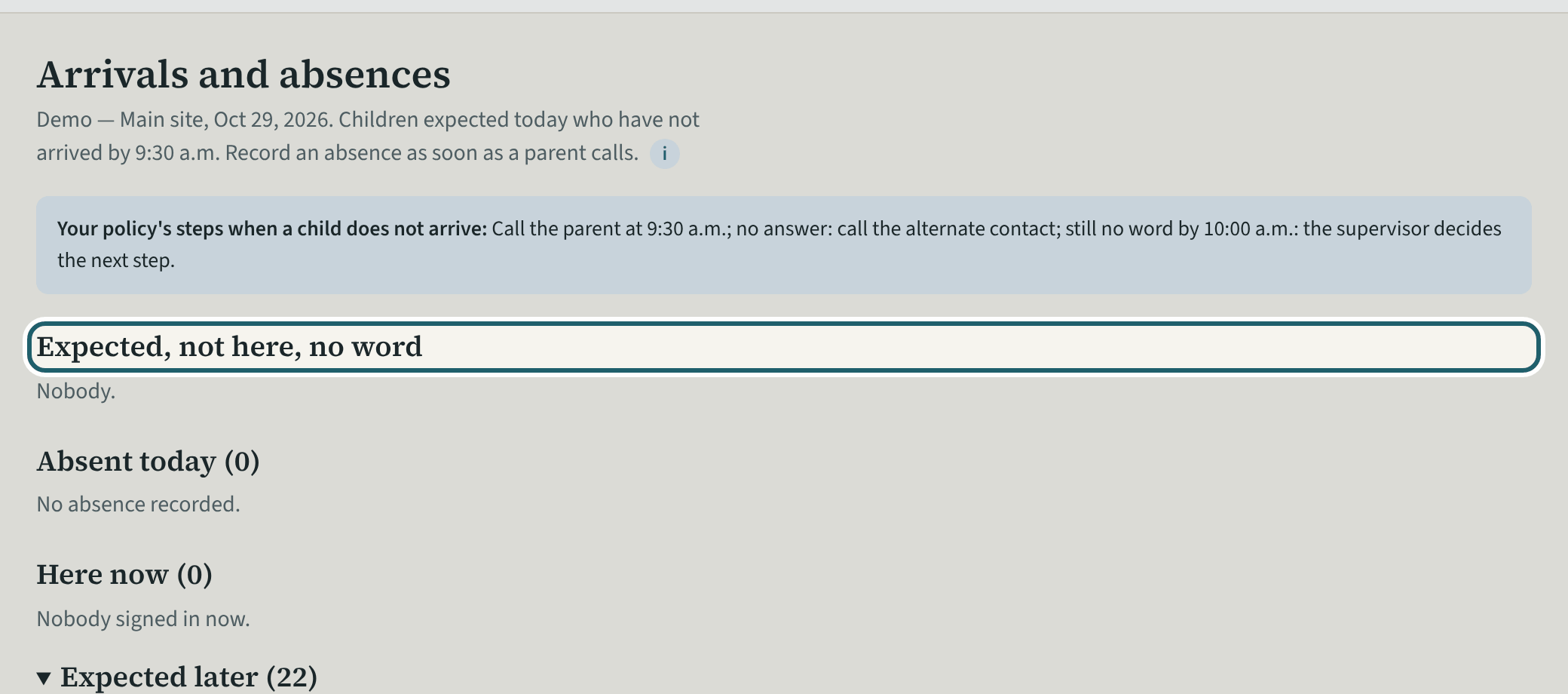
In the morning, Arrivals and absences: who is expected and not here with no word, so the safe arrival policy's calls are made and recorded.
Watch out: Record each call as a step: the policy sets out the steps to take (s. 50(b)), and the record shows they were taken.
-
Checks today
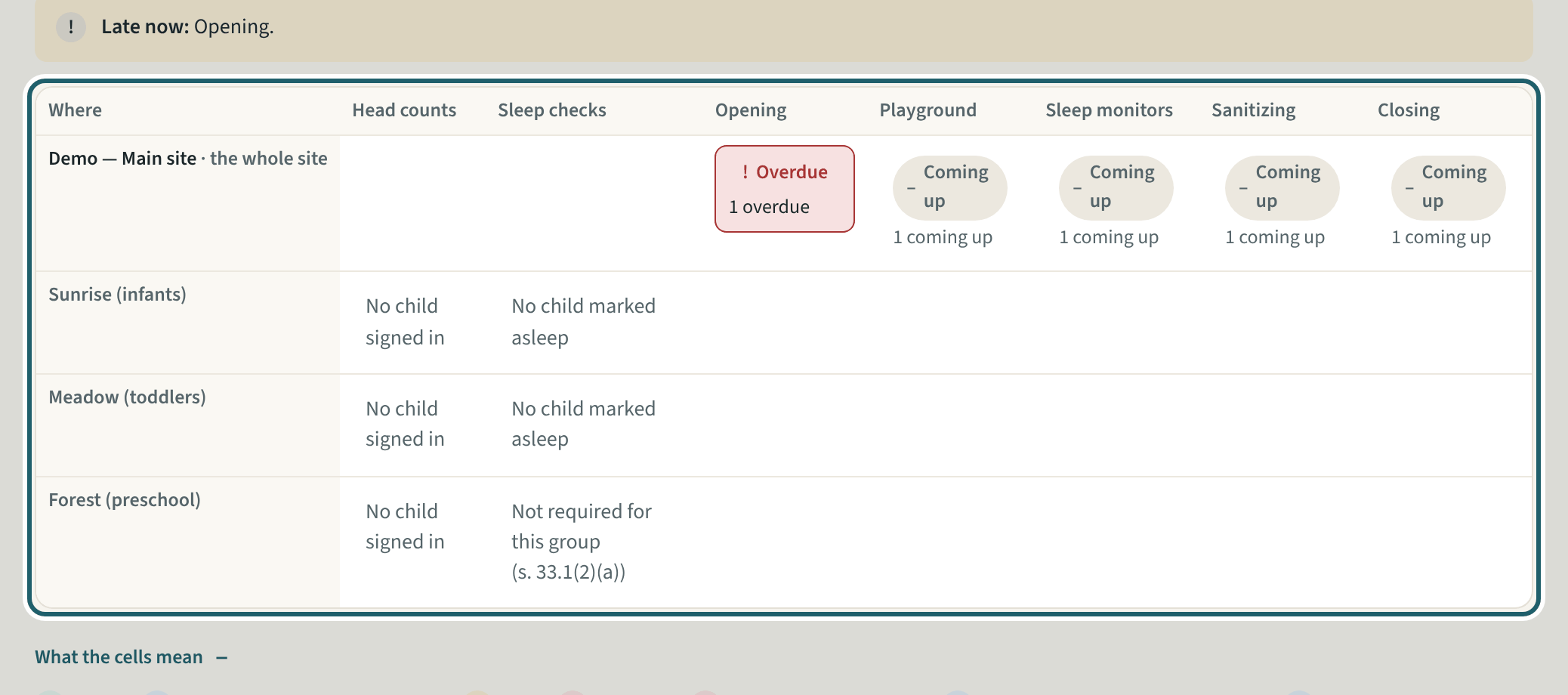
Checks today is the board of every room's counts and checks: done, coming up or overdue. A missed check is explained here and signed off by you.
Watch out: If you were one of the people at the missed check, another supervisor or an administrator signs it off.
-
The evacuation list
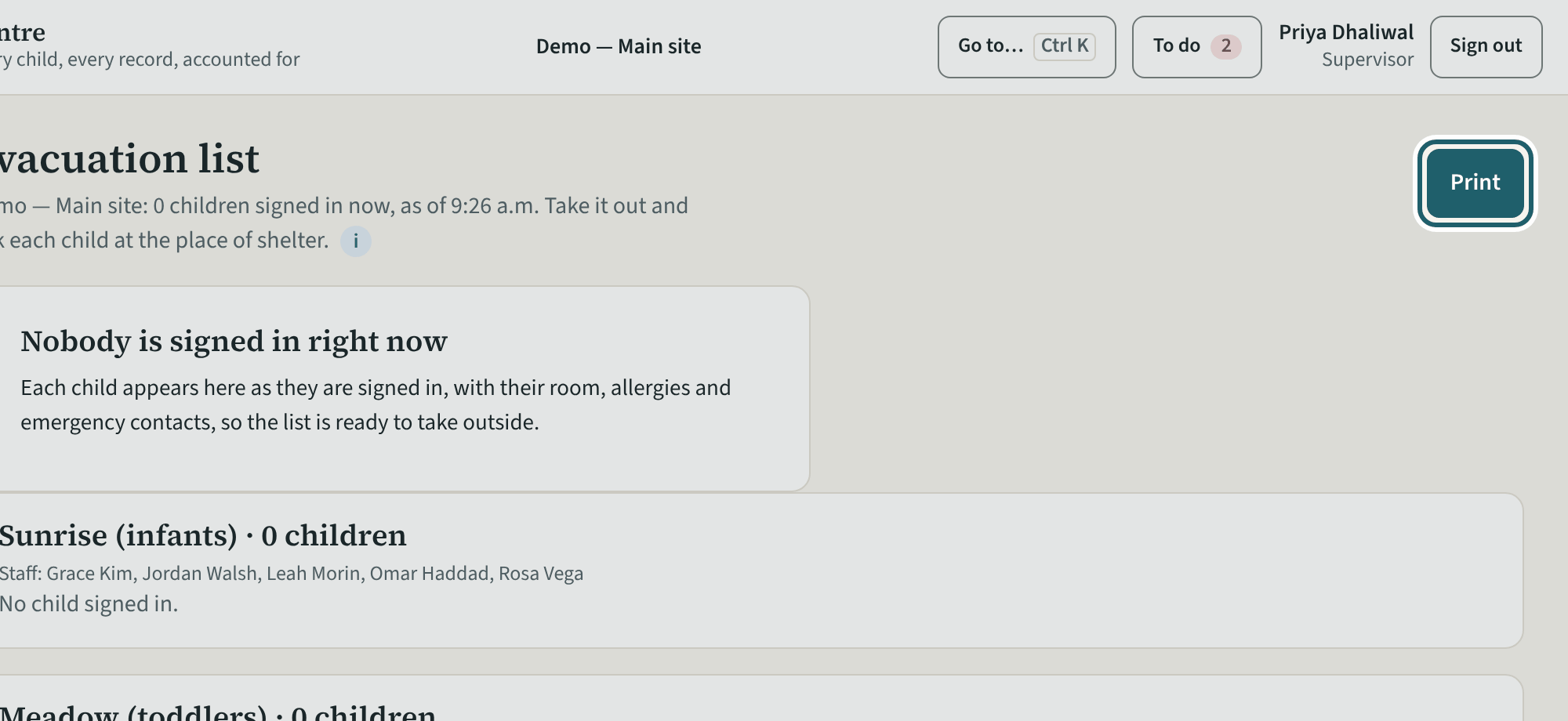
The evacuation list: every child signed in now by room, with allergy and emergency contact, a tick for each at the place of shelter, and the staff. Print it.
Watch out: Print it: the paper copy is for the drill and for the day the connection is down. The list keeps working offline from what the tab last read.
-
Medication today
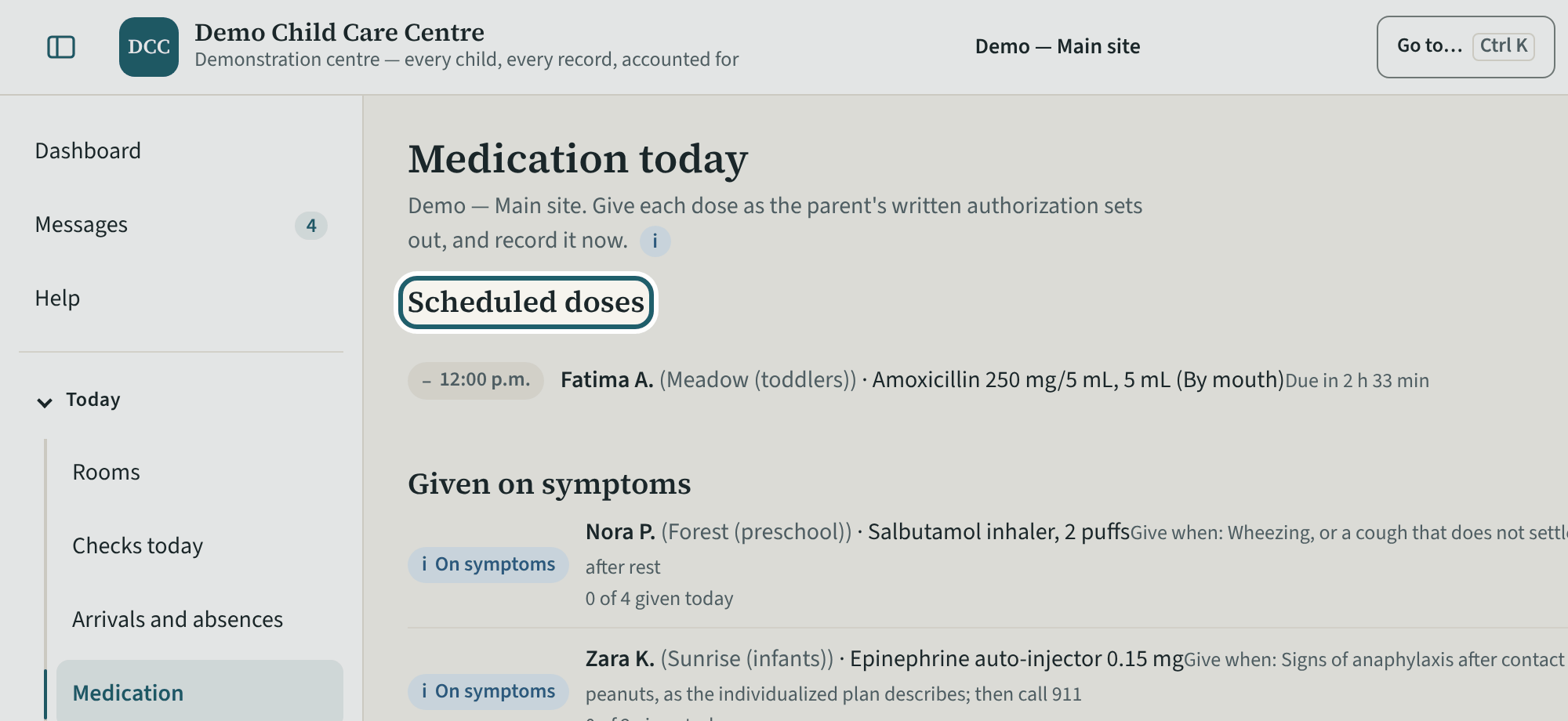
Medication today: the scheduled doses, the medication given on symptoms, sunscreen and other products, each with its written authorization and Record the dose.
Watch out: Medication given on symptoms has a daily limit on the child's file (KeepCount's own field): check it before a second dose.
-
Report an incident
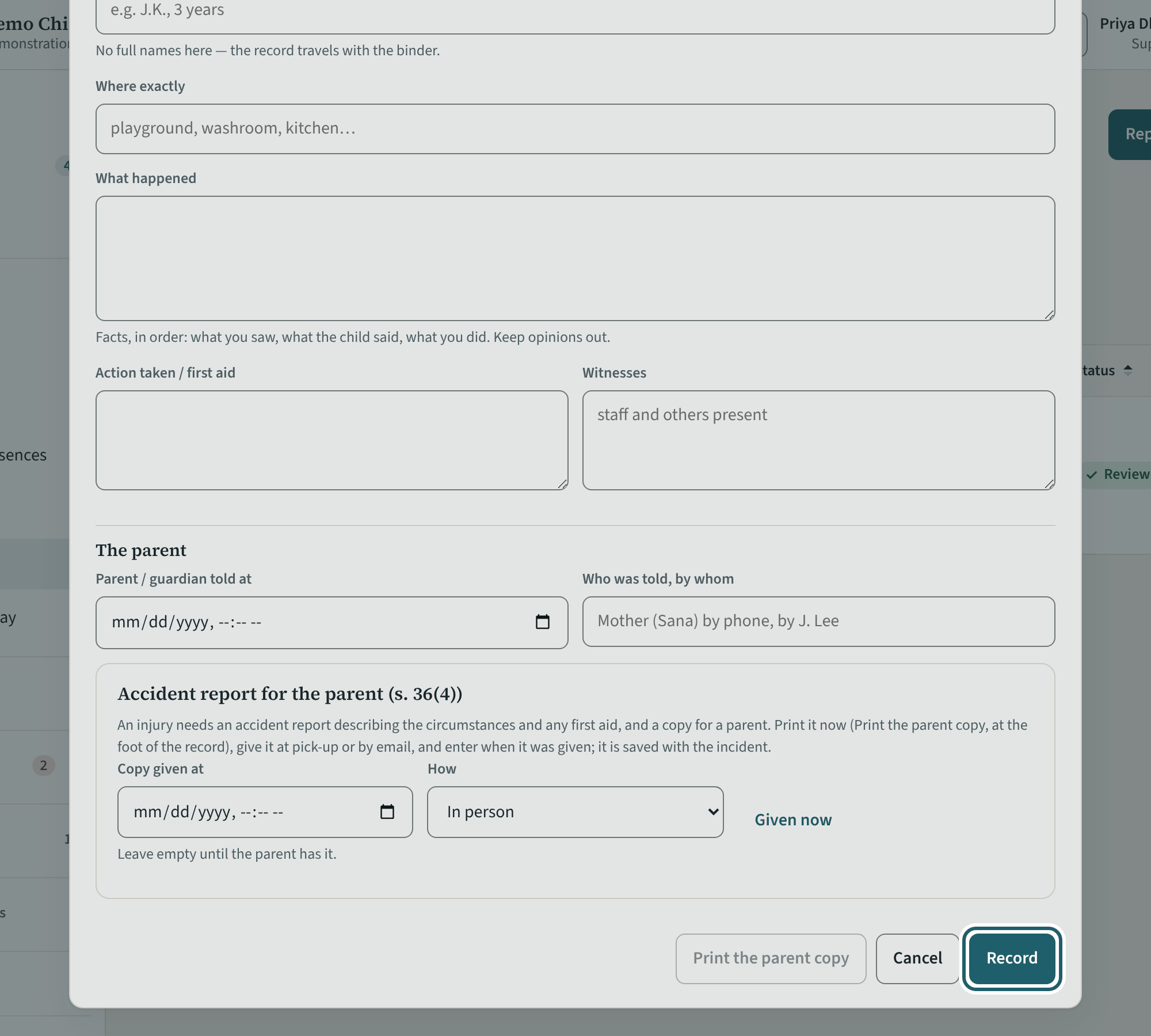
Anything affecting a child's or staff member's health, safety or well-being: "Report an incident" as it happens. A serious occurrence adds the Ministry steps.
Watch out: The moment the supervisor or the licensee becomes aware of a serious occurrence starts the 24-hour clock (s. 38(1)(b)): record that time first.
-
Close out the day
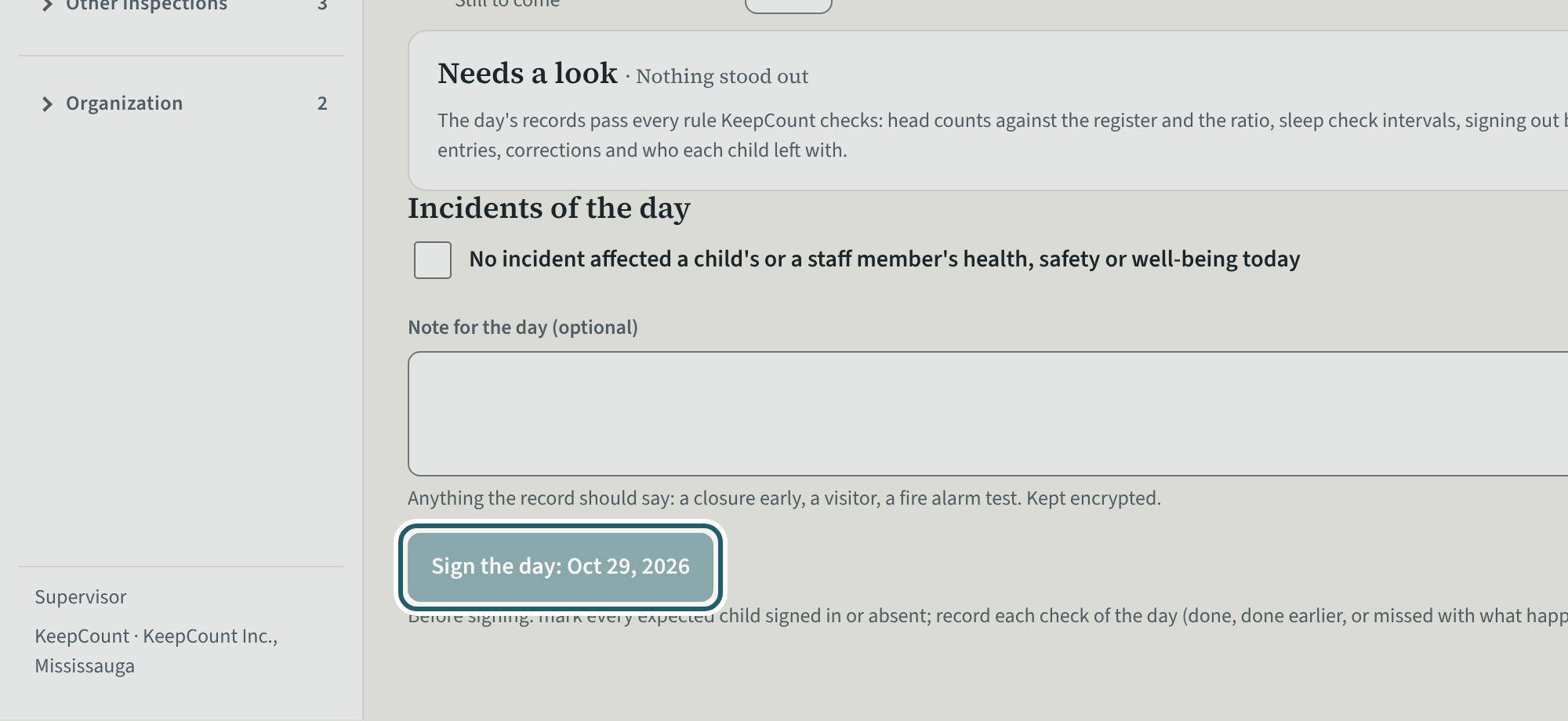
At the end of the day, Close out the day: the checks not done at their time, the incidents of the day, counts below what was allowed, a note, and Sign the day.
Watch out: "Sign the day" is enabled once the blockers are cleared. A record entered more than 30 minutes after its moment is listed as "Entered later": the record never hides a late entry.
-
Add staff
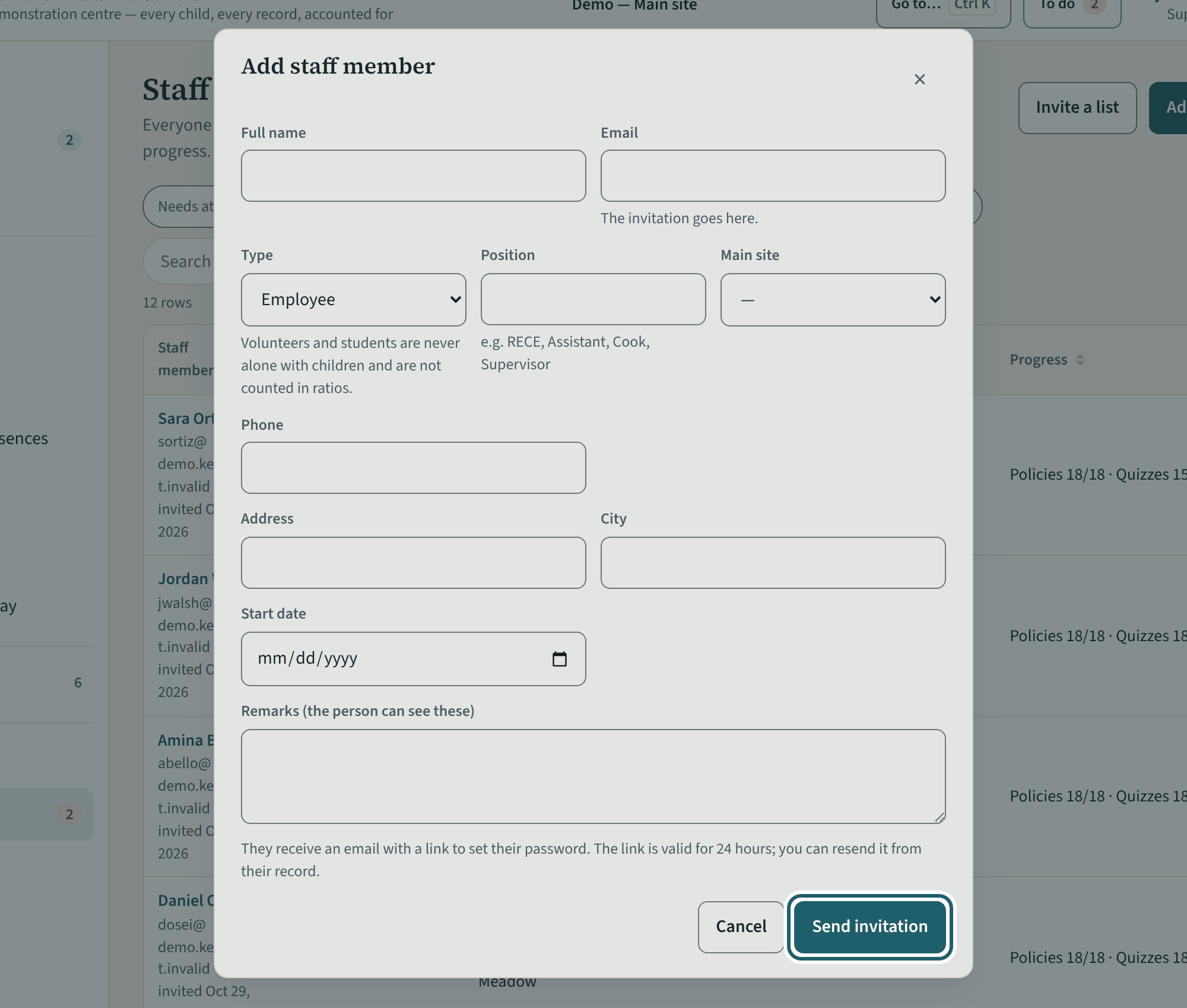
"Add staff member" adds a room staff member or a volunteer at your site; their invitation goes out when you save. Administrators add the other levels.
Watch out: A person whose main site is another site is managed there. A document you uploaded is verified by another administrator.
-
Menus
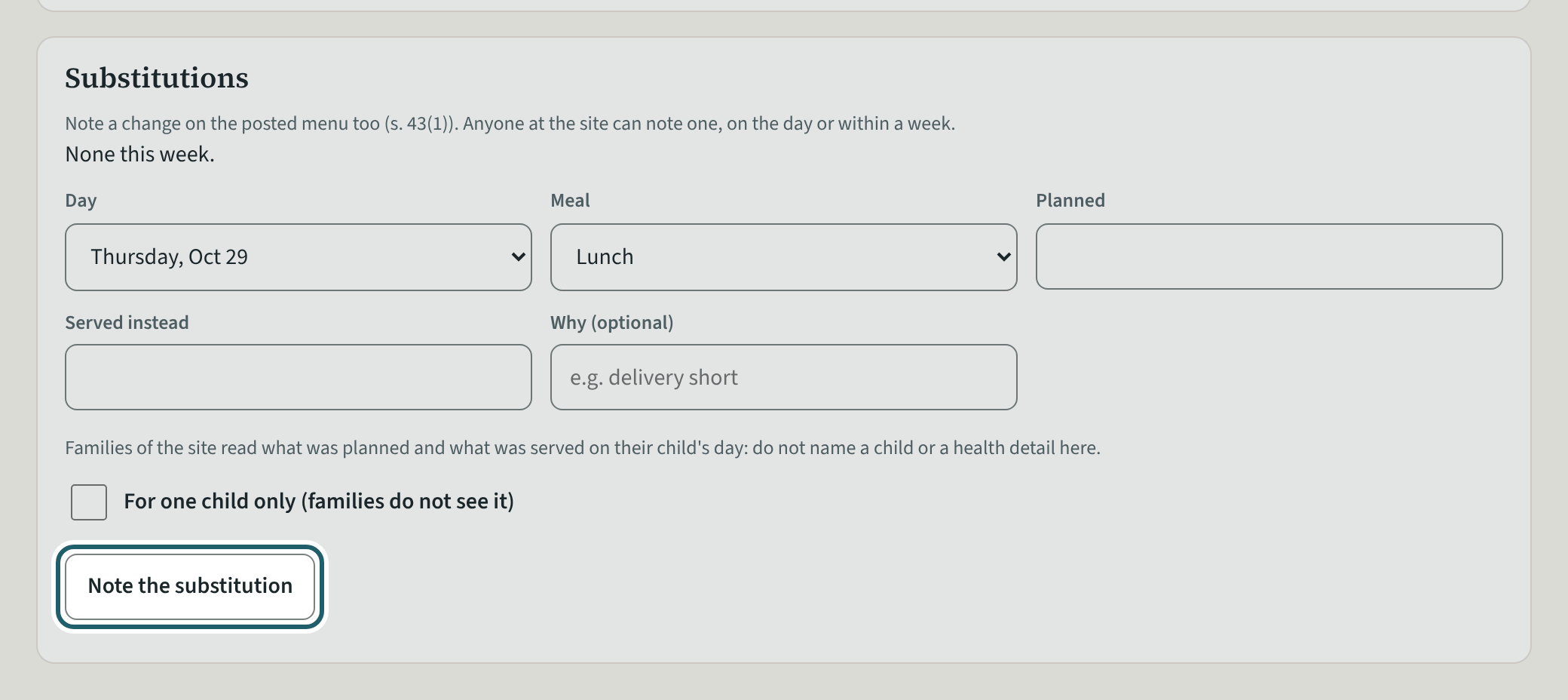
Menus: this week's and next week's planned menus, posted where parents see them, and a substitution noted on the day.
Watch out: Once the week starts, a substitution is noted on the posted menu (s. 43(1)). Anyone at the site can note one.
Your first week
The site's rhythm: its readiness, the policies as you read them, a Ministry change, the drills, the staffing schedule, observations, the postings walk, the parent handbook, the playground, drinking water, public health, approvals, the binder and inspection day.
-
Licensing readiness for the site
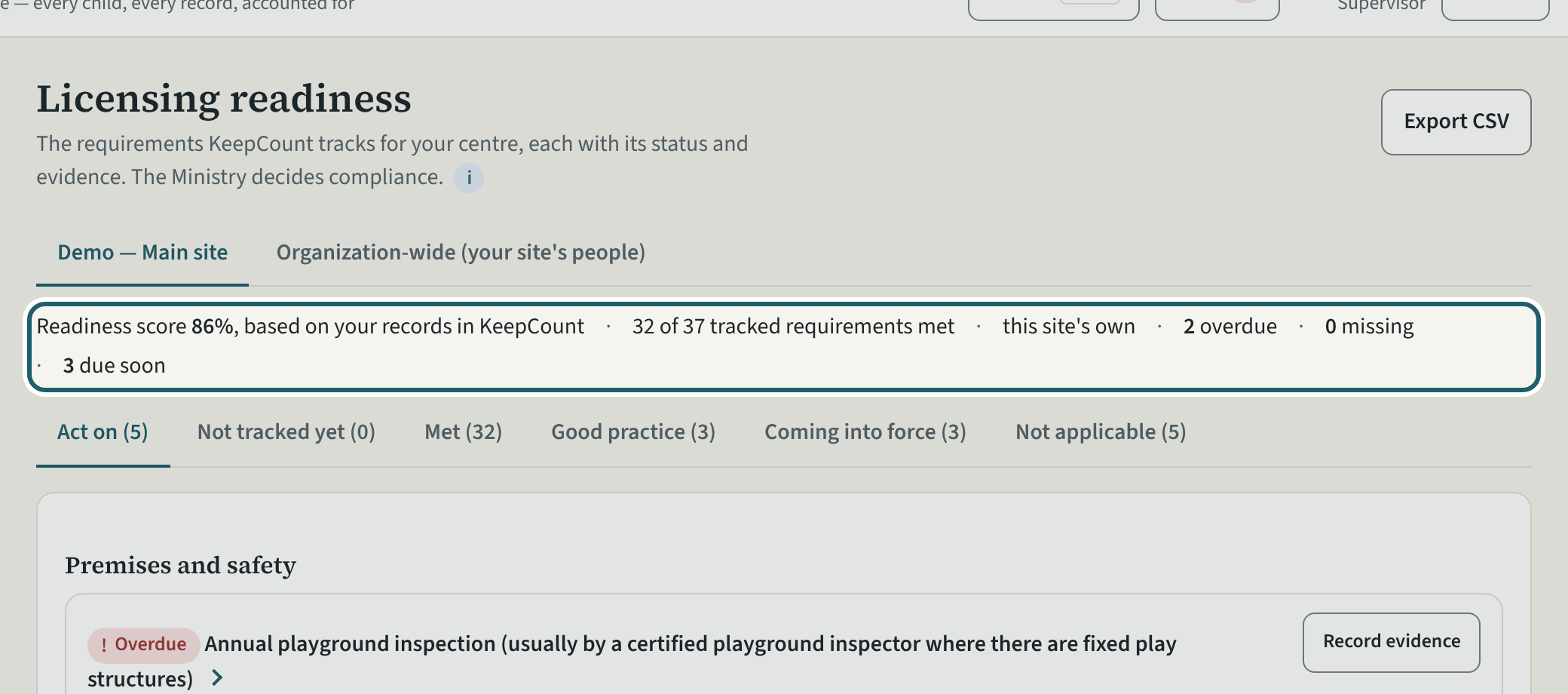
Licensing readiness for your site: the score, what is overdue, missing and due soon, and every requirement with its status and its section.
Watch out: Mark a line not applicable only when it truly is: your reason prints in the binder. The statuses are based on your records in KeepCount; the Ministry decides compliance.
-
A policy, as you read it
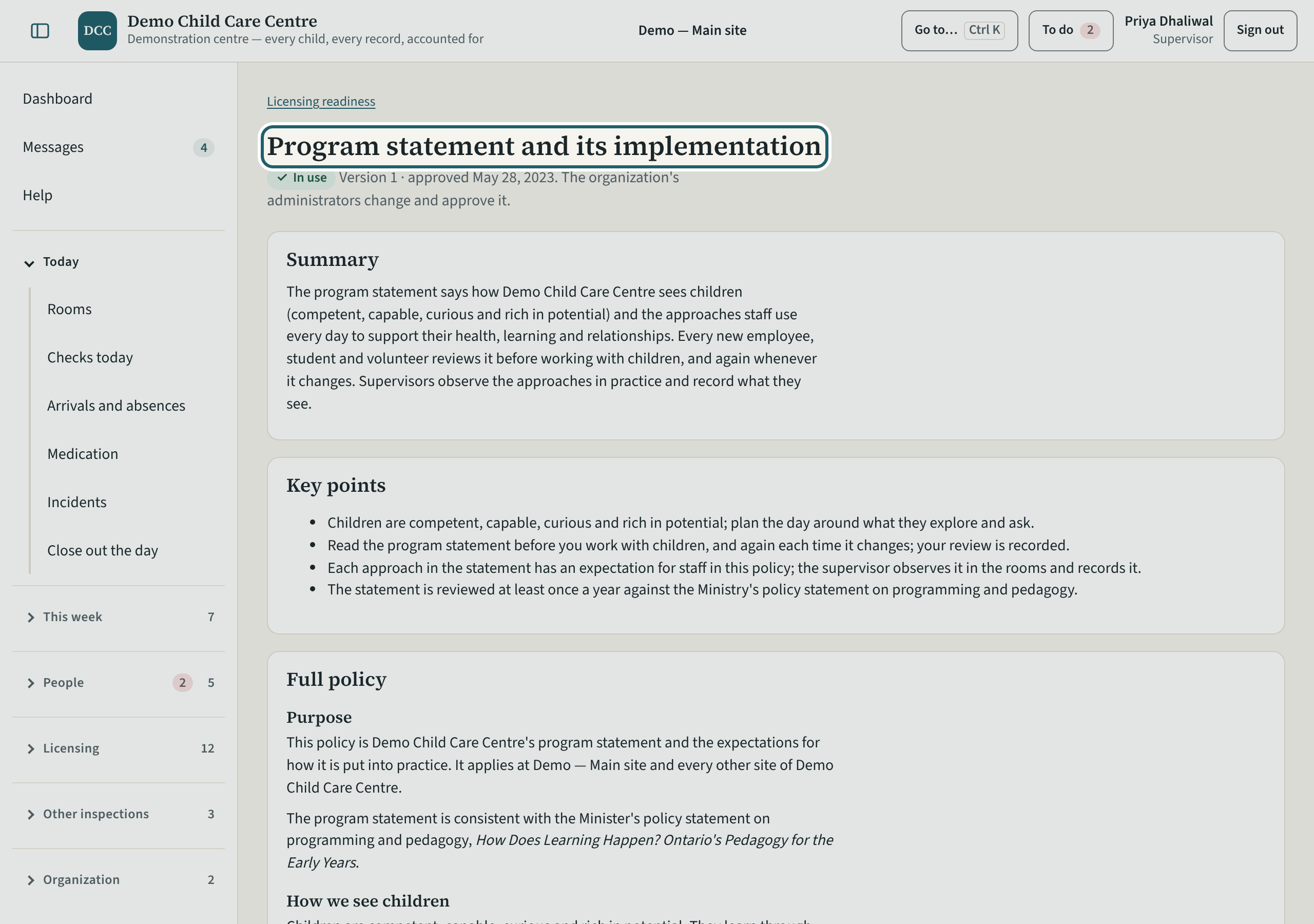
A policy opens for reading, with who has confirmed it. The organization's administrators change and approve it.
-
Ministry changes
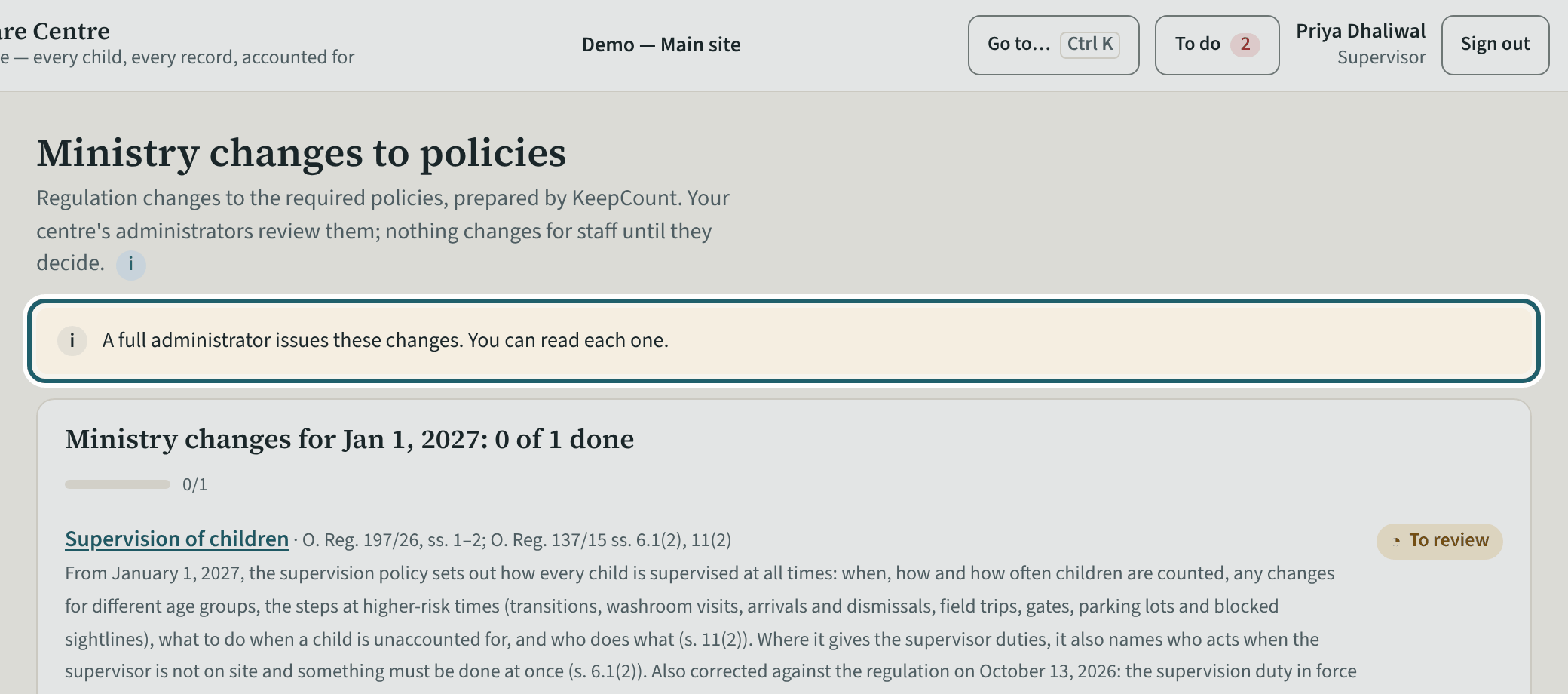
Ministry changes lists a regulation change to a required policy, readable by you; a full administrator issues it to staff.
-
Drills
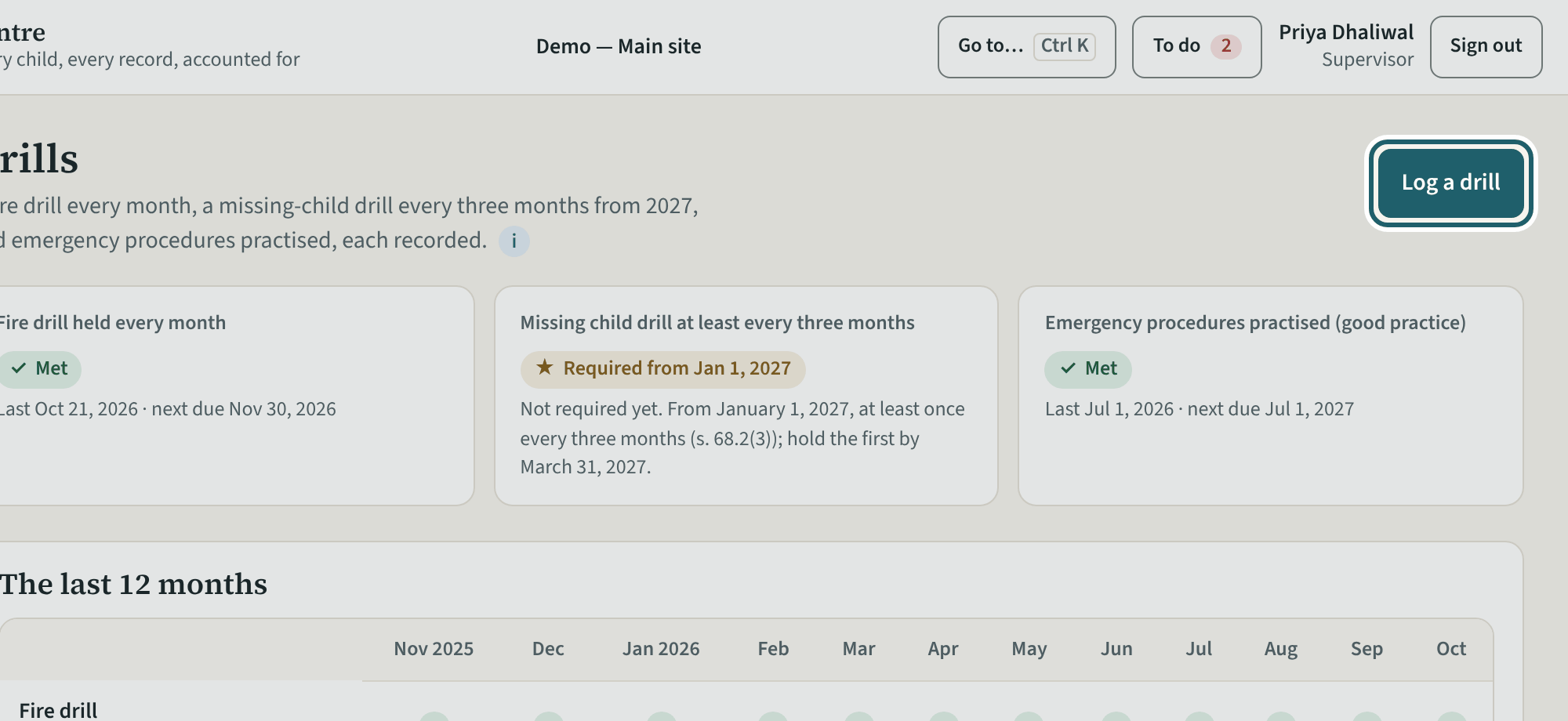
Drills: the last 12 months by month, each fire drill with who led it and who was present, and Record a drill.
Watch out: From January 1, 2027, a missing-child drill at least once every three months, with the record kept at least 12 months (s. 68.2(3)). Fire drill records: s. 68(1)(e).
-
The staffing schedule
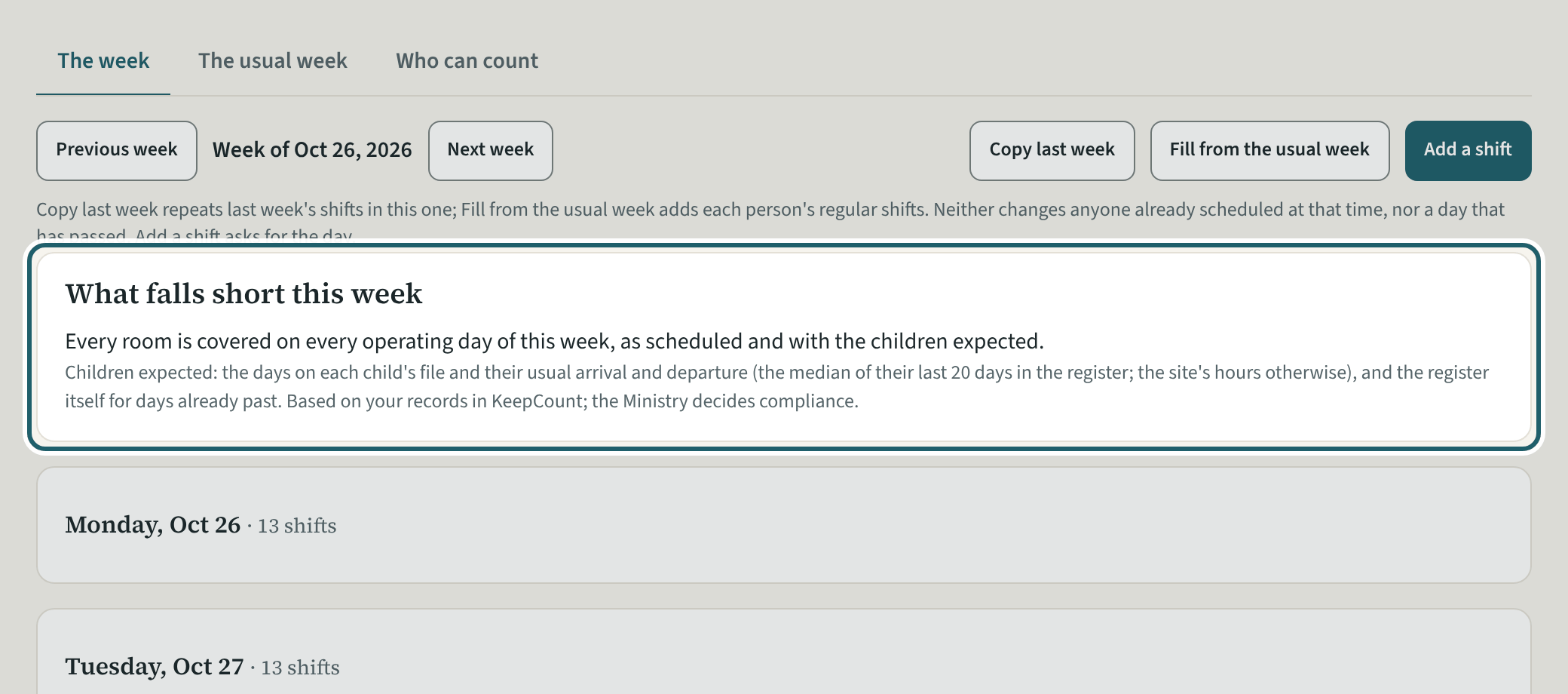
The staffing schedule: the week's shifts, who can count, and "What falls short this week" with each stretch that is short.
Watch out: The schedule plans for the ratio; the head counts prove it. A person not cleared for the ratio is marked so on the shift.
-
Compliance observations
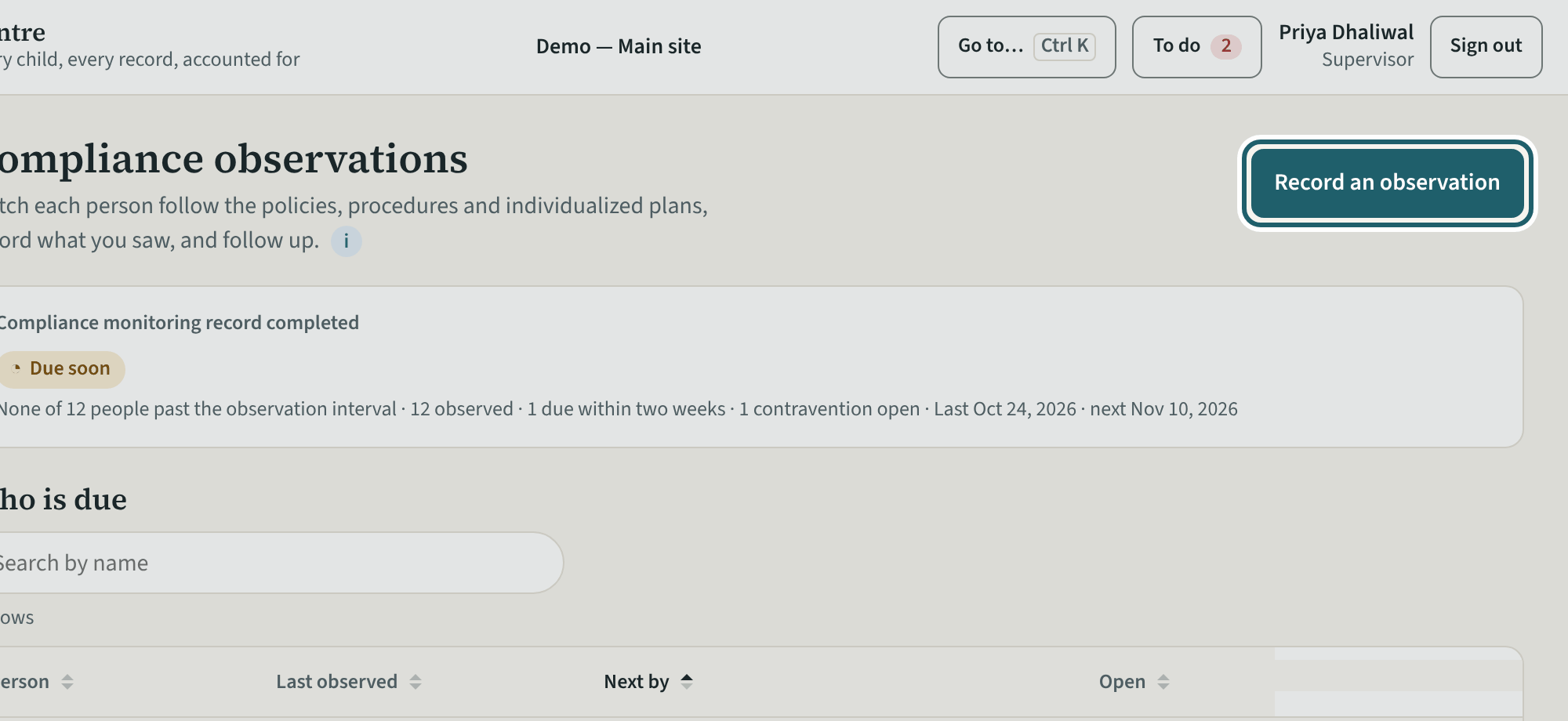
Compliance observations: who is due to be observed, the contraventions to follow up, the log, and Record an observation.
Watch out: A contravention opens a follow-up with a date; close it with how it was addressed.
-
The postings walk
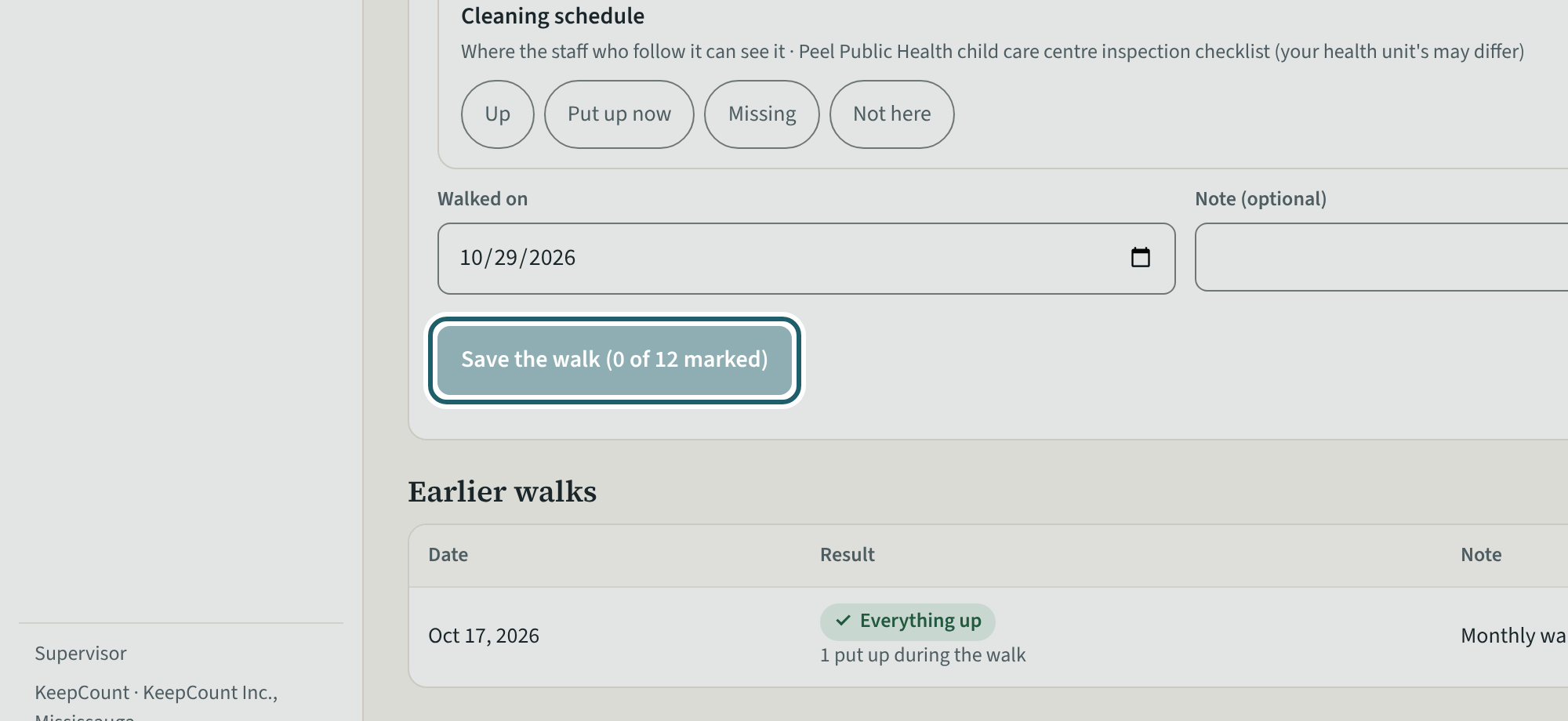
Once a month, walk the site with the list and mark each posting Up, Put up now, Missing or Not here; then Save the walk.
Watch out: "Earlier walks" keeps each month, and a posting put up later is marked on it.
-
The parent handbook
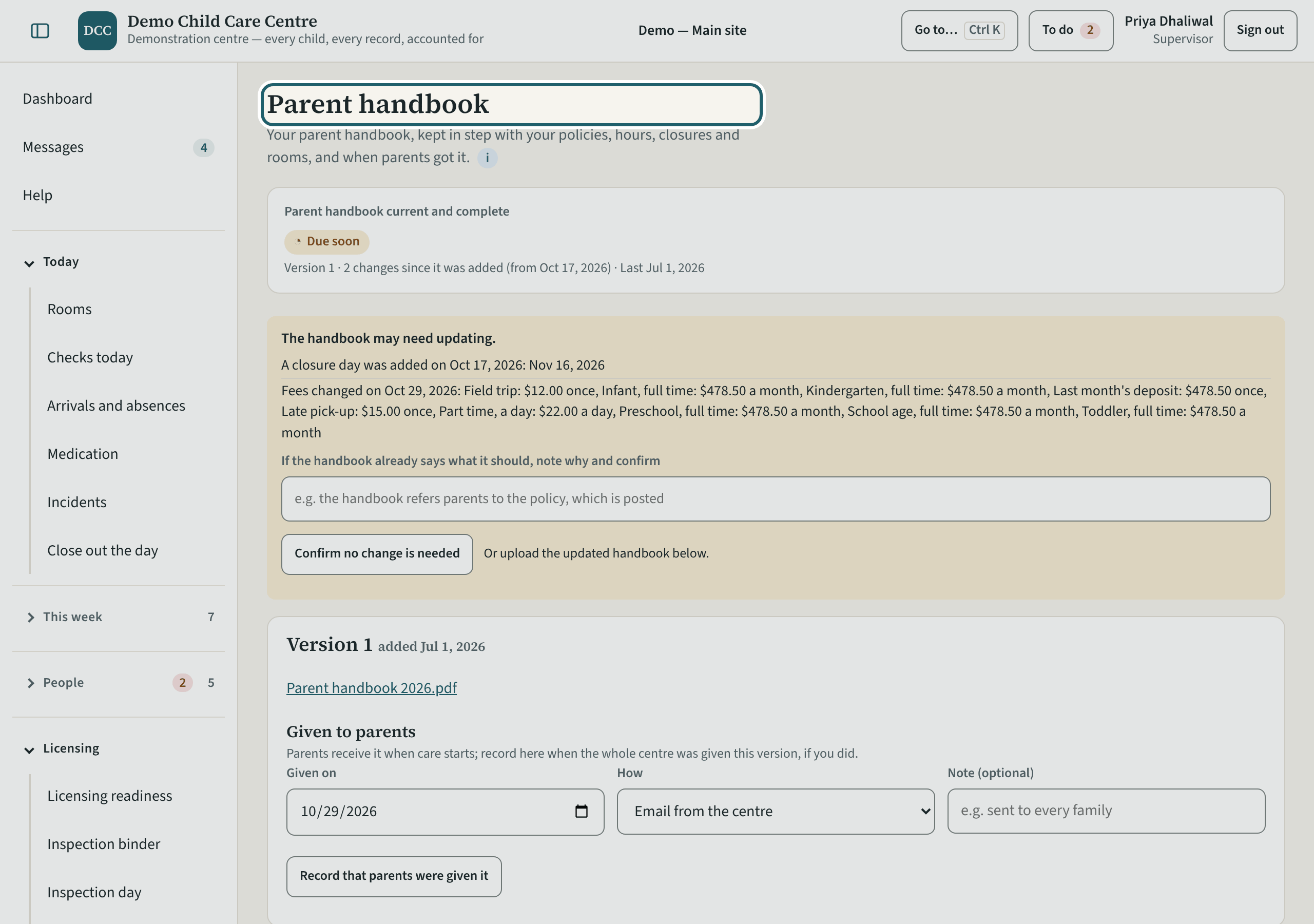
The parent handbook: its version, what s. 45 asks it to include and where each is, when parents were given it, and the new version when it changes.
Watch out: When the policies, hours, closures or rooms change, record a new version or "Confirm no change is needed", and record when parents were given it.
-
Playground
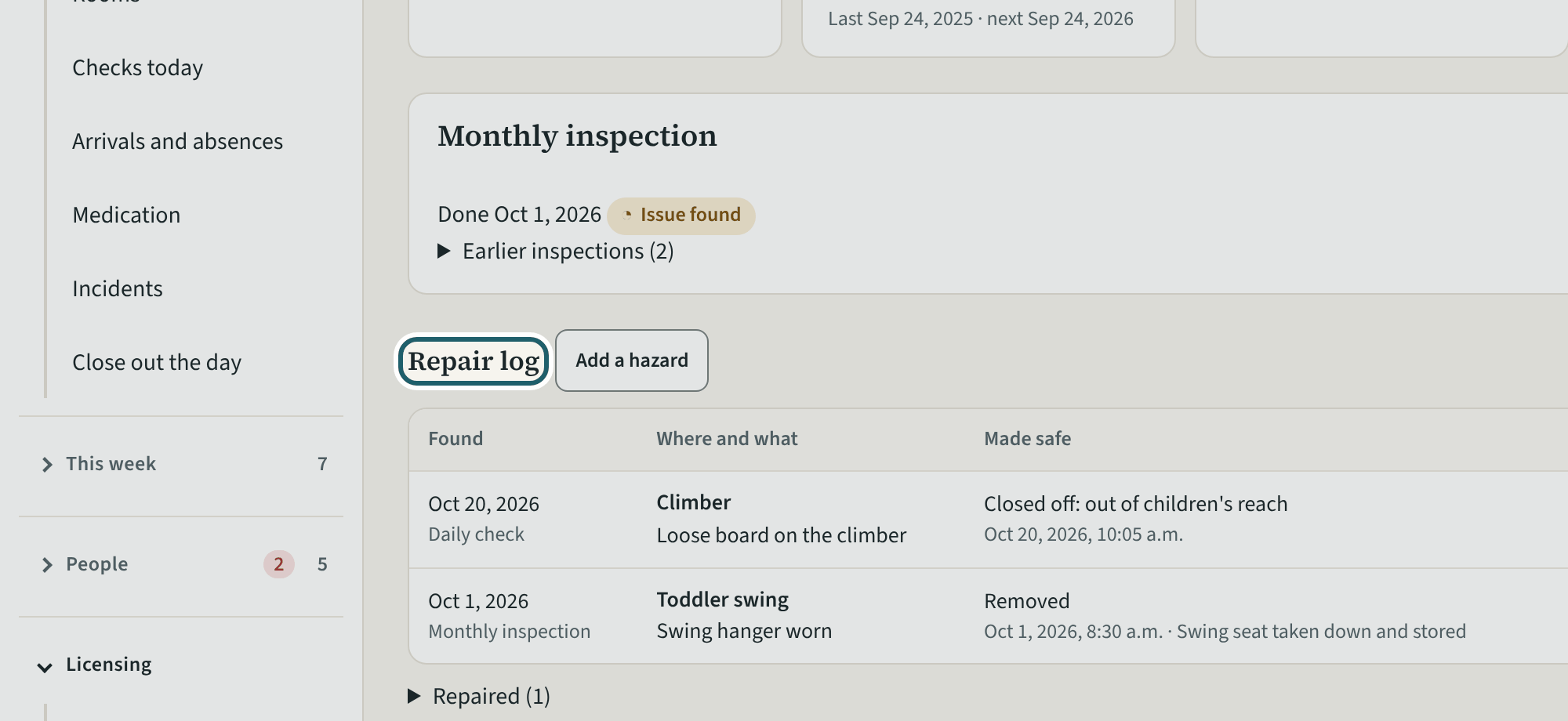
Playground: the monthly inspection and the repair log, with each hazard, how it was made safe, the target date and the repair.
Watch out: A hazard open past its target date shows under Needs you. The annual inspection (s. 24(5)(b)) is recorded as evidence on Licensing readiness, not here.
-
Drinking water
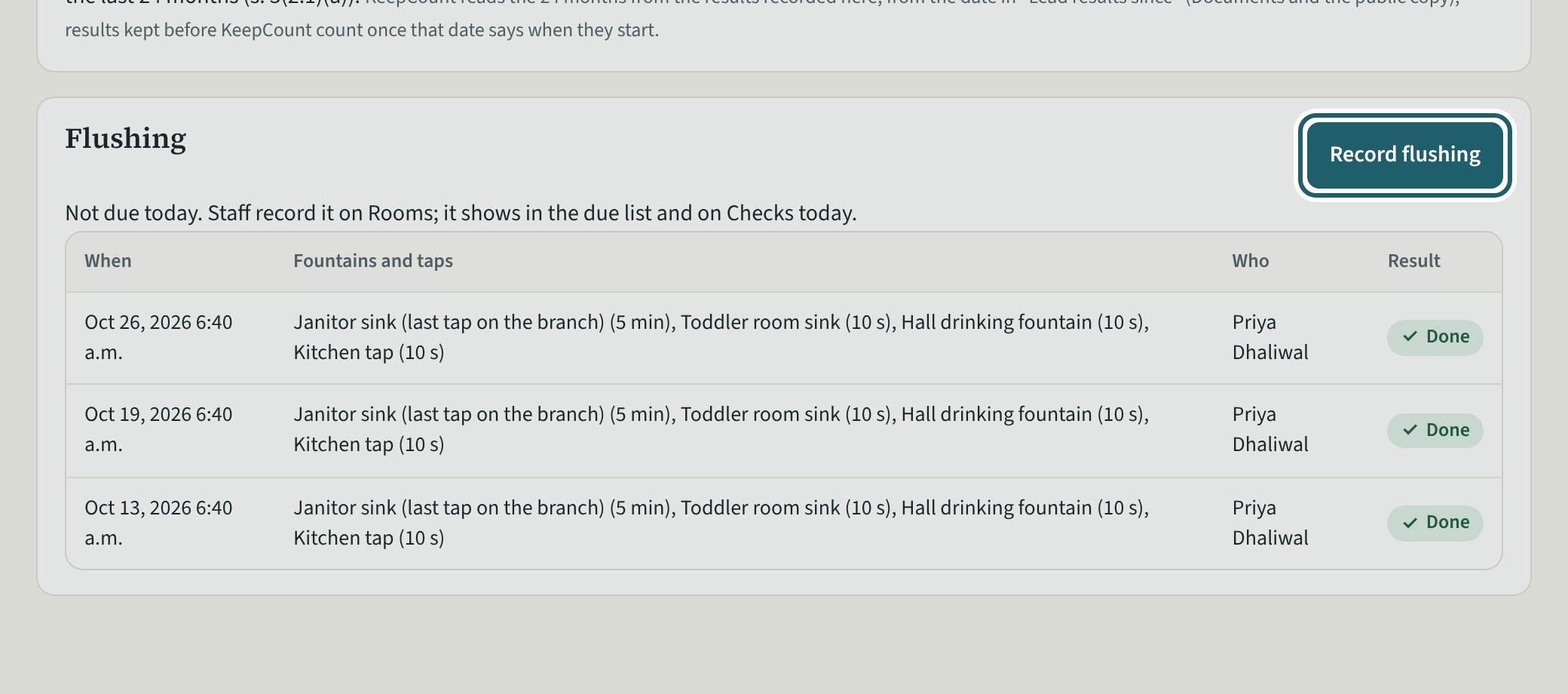
Drinking water: the fountains and taps, the flushing, the lead sampling, any result over the standard, filters and notices, as O. Reg. 243/07 asks.
Watch out: The drinking water inspector decides compliance; the page records what O. Reg. 243/07 asks for. "Print the public copy" prints what is posted.
-
Public health
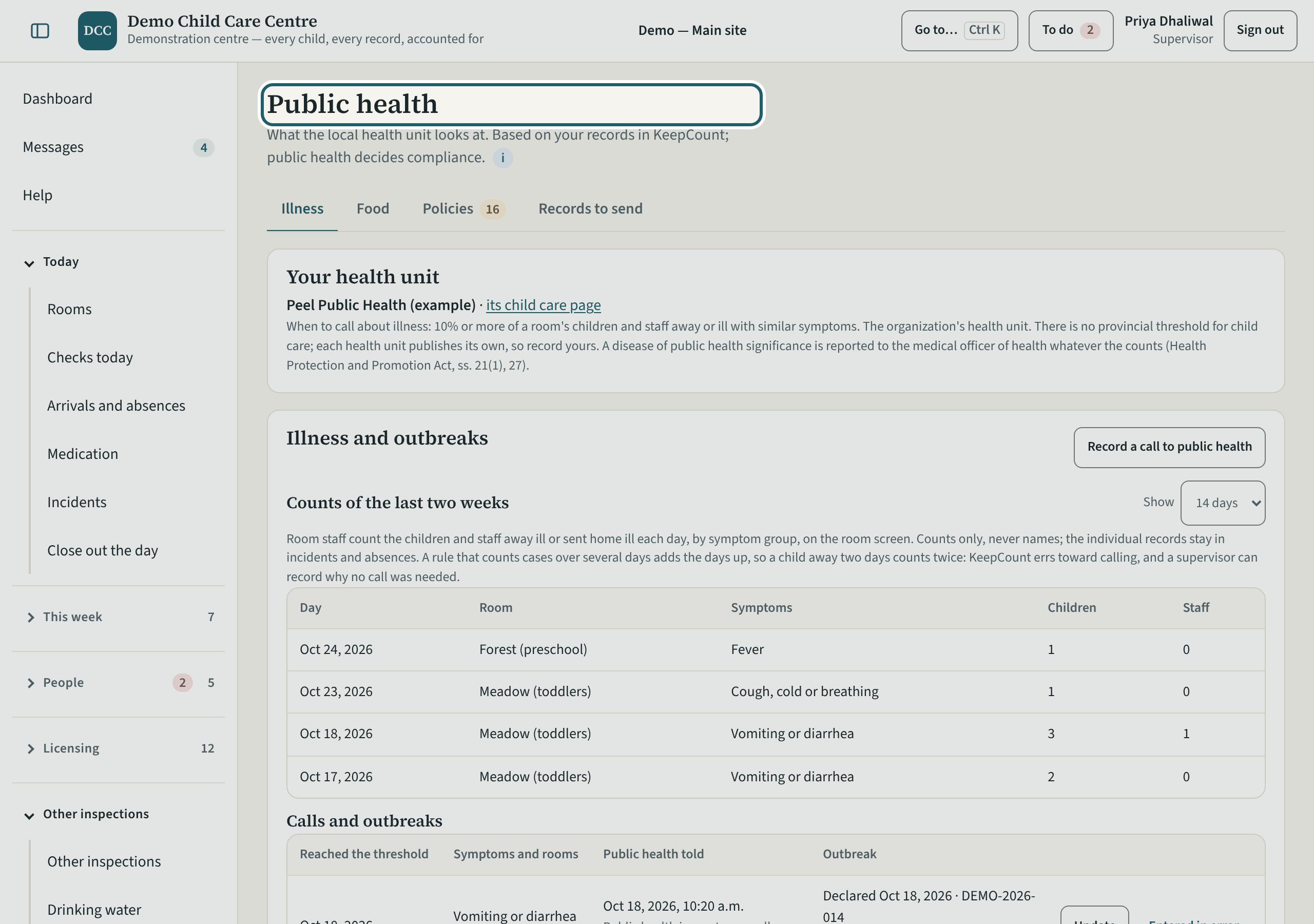
Public health: what the local health unit looks at, from your records: illness and outbreaks, the food handler, immunization, the caterer, pest control.
-
Approvals and screening
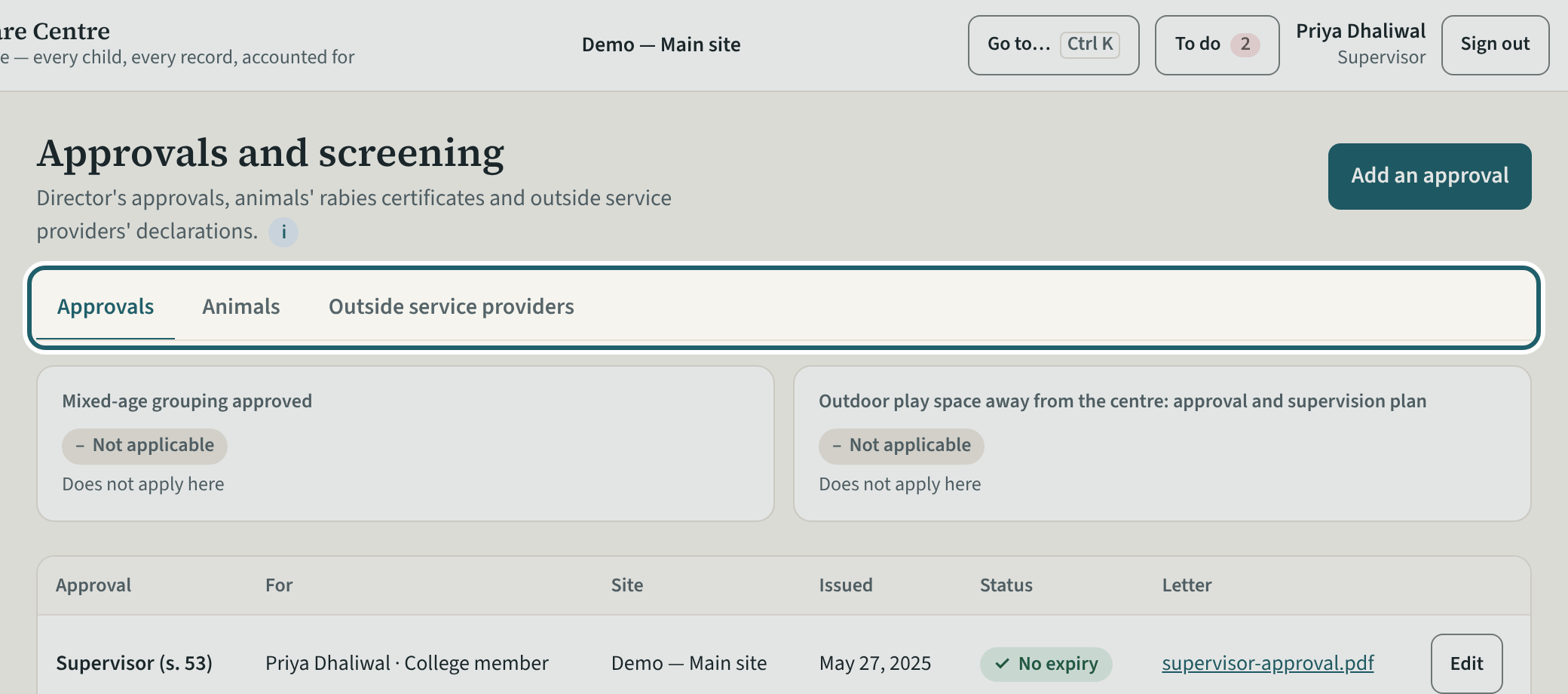
Approvals and screening: the director's approvals, the rabies certificates for animals kept on the premises, and the outside service providers' declarations.
Watch out: Each approval, certificate and declaration takes the document and its dates; a mixed-age group or a reduced play space needs the director's letter here.
-
The inspection binder
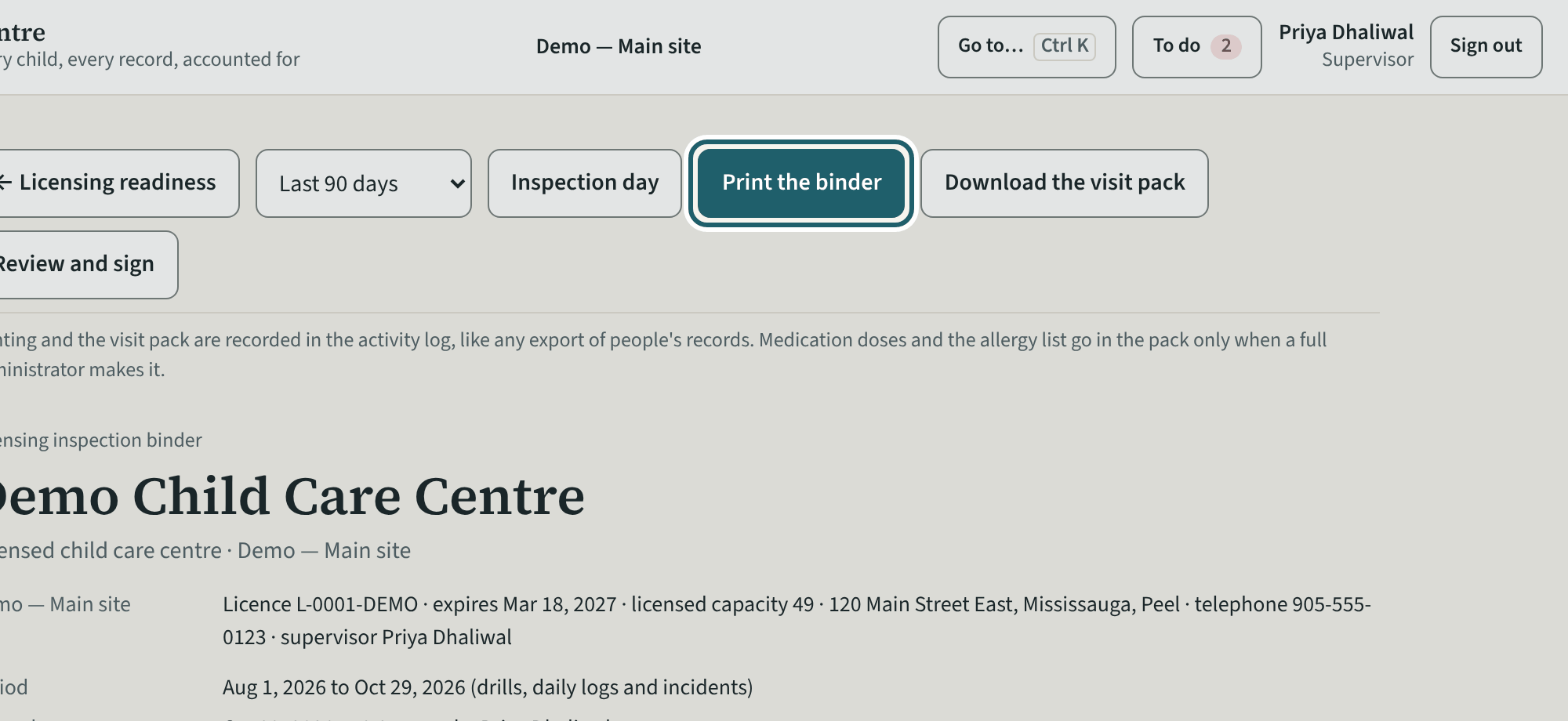
The binder for your site: the period, the Licensing Manual's parts in its order with the evidence, the readiness score, and Print the binder.
Watch out: Medication doses and the allergy list go in the visit pack only when a full administrator makes it.
-
Inspection day
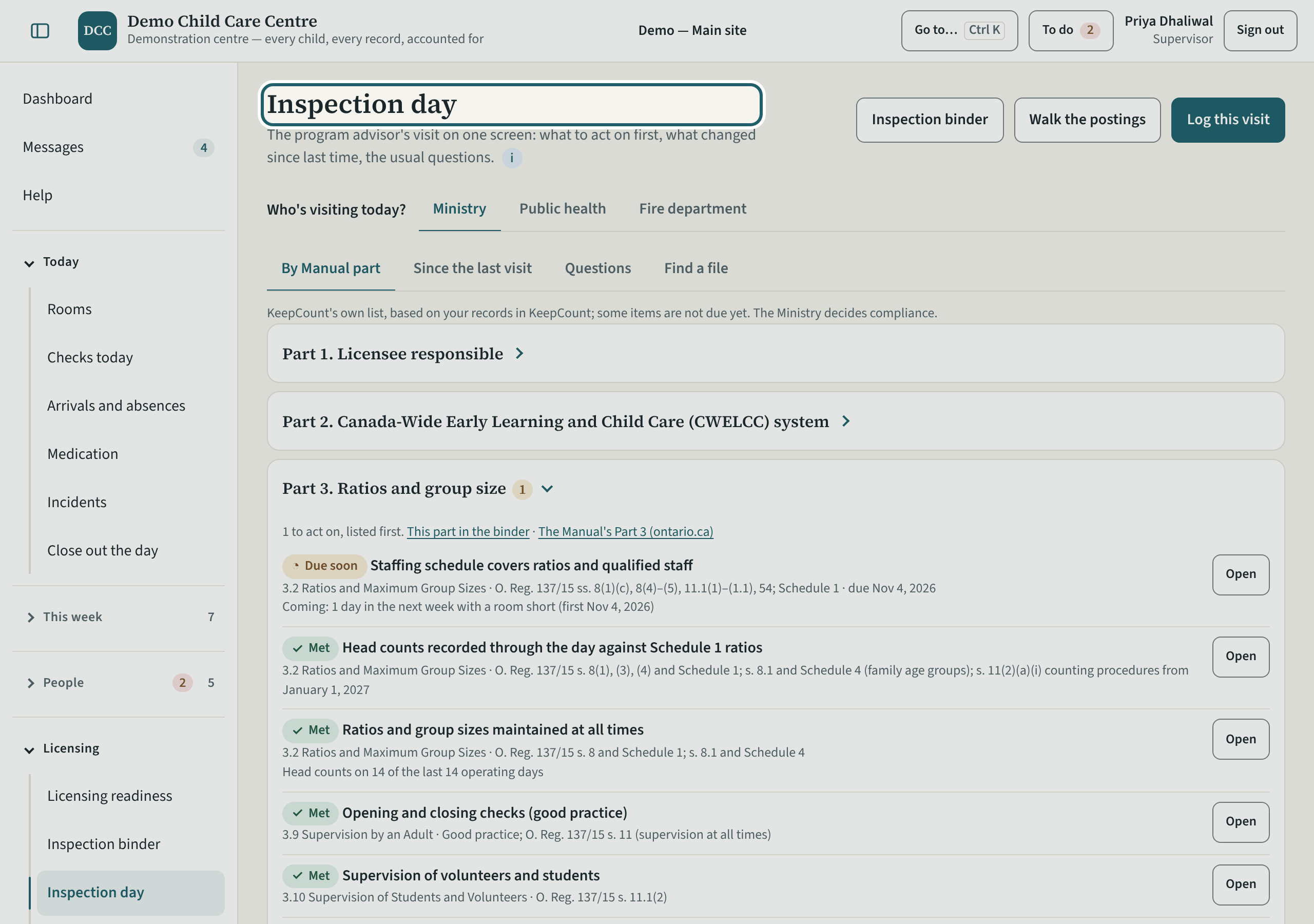
On the day, Inspection day: who is visiting, the records by Manual part, what changed since the last visit, the questions an adviser asks, and Log this visit.
-
What the administrators keep
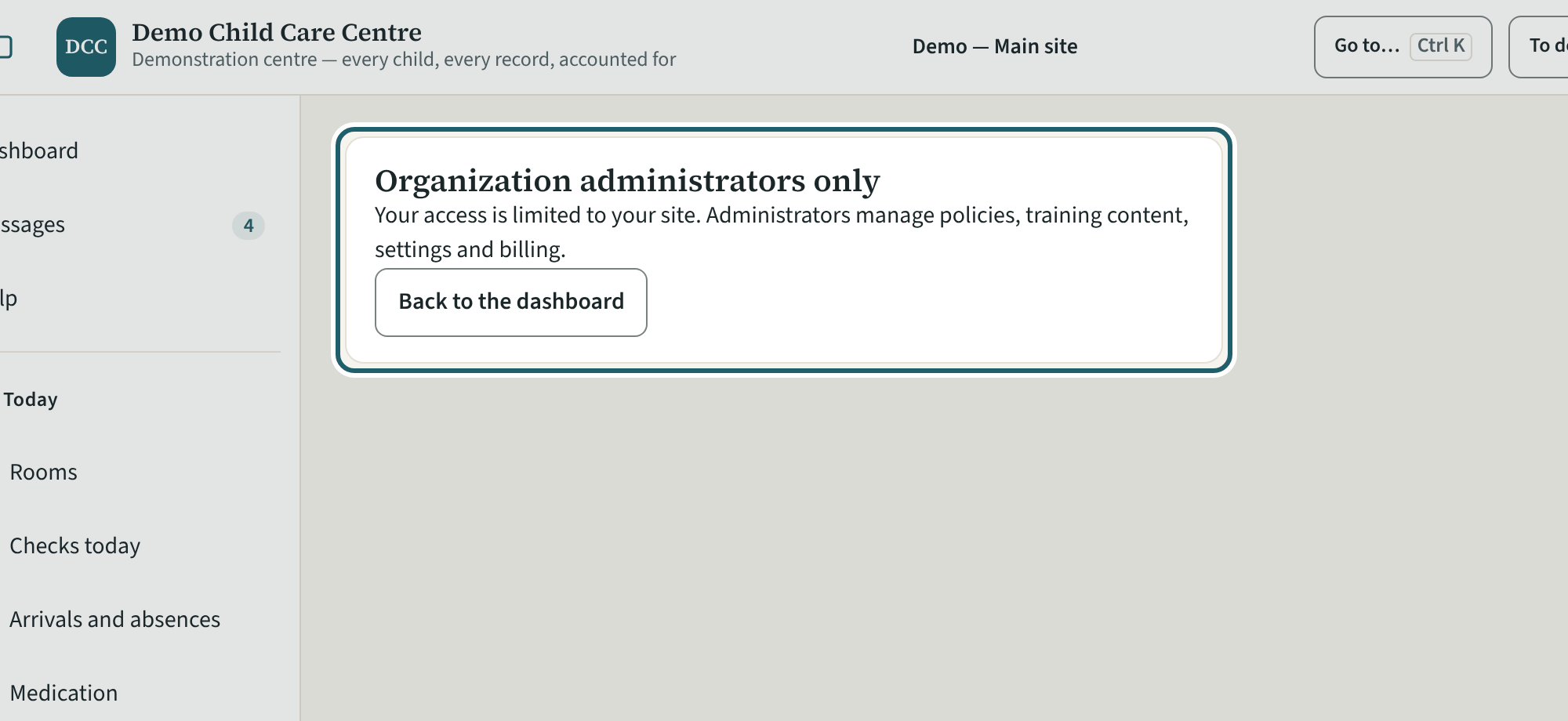
A page that is the administrators' says so: policies, training content, settings and billing are managed by the organization's administrators.
-
Help and the tour
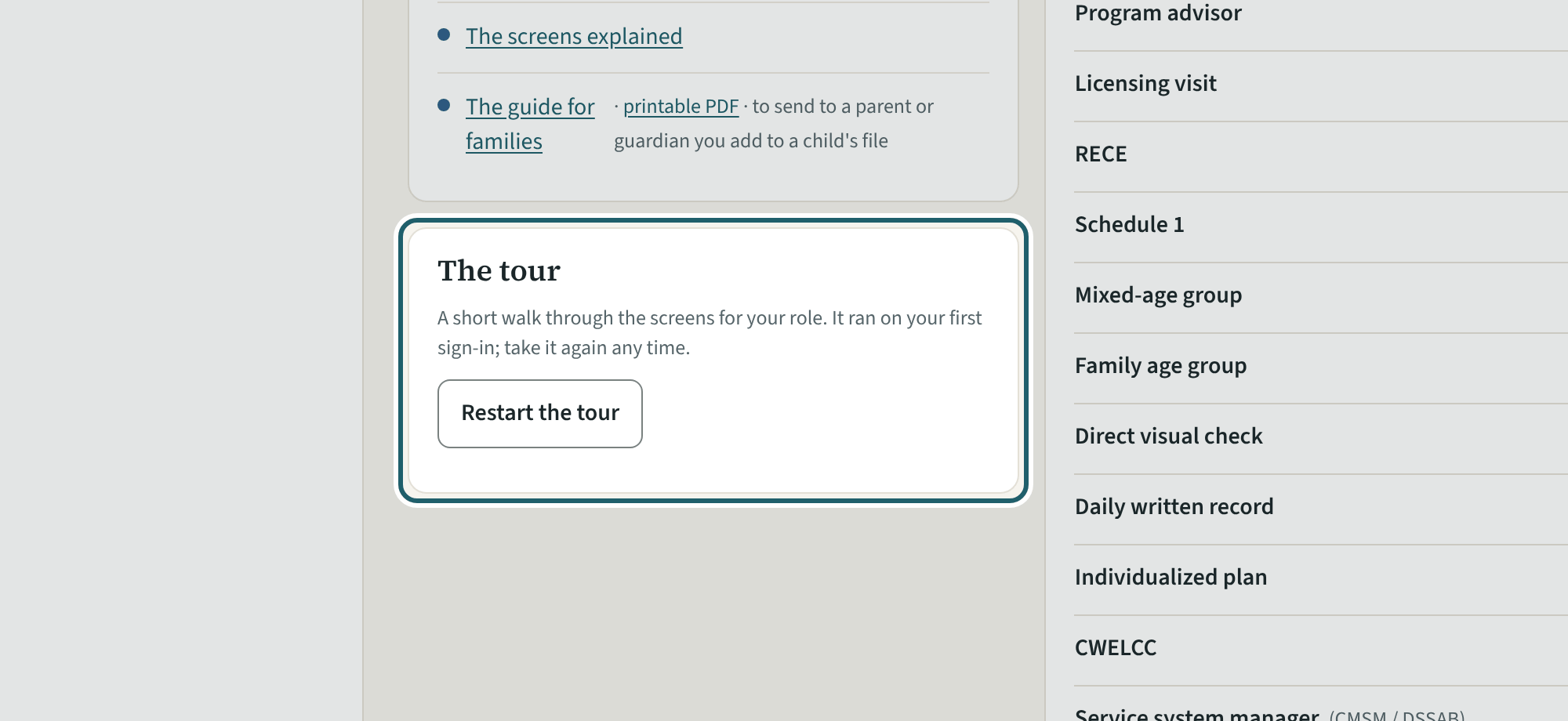
Help has this guide, the guides to the regulation, the glossary, who to ask, and "Restart the tour" for your nine screens.
Watch out: "Report a problem" goes to KeepCount support only, with this version: say what you did and what you saw, without a child's name or health details.