Step 1 of 29 · Your first day
Sign in
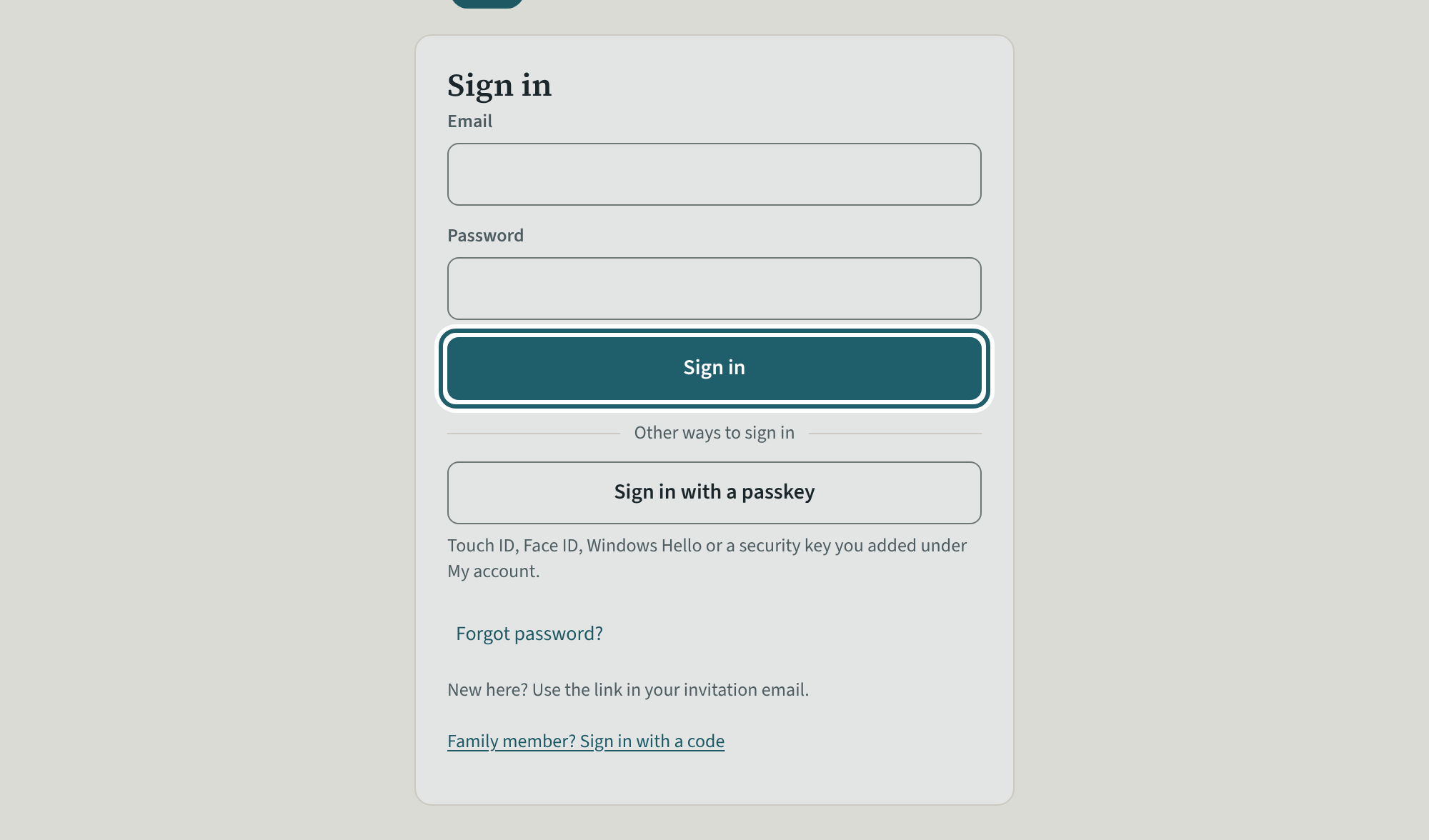
Open the link in your invitation email and choose a password. After that, sign in with your email and that password.
Watch out: An administrator does everything but billing (unless the owner allows it) and deciding who is an owner or an administrator.
More about this
The owner invites you as an administrator: you run the organization. The link opens "Choose a password"; type it twice and tap "Save and continue". You land on the dashboard, and the tour starts the first time; skip it or take it again from Help.
What an administrator does not do: billing (the plan, invoices and cancelling) unless the owner allows it, and deciding who is an owner or an administrator. Everything else, the owner's guide included, is yours: the people, the policies, the records, readiness and the binder, Settings.
To sign out of KeepCount, use Sign out at the top right of the screen; on a phone it is at the foot of the menu. If records made without a connection are still waiting to send, KeepCount says so and asks before it signs you out.
Your centre's words for people and its policies may differ; the screens are the same. The screen is from KeepCount 0.99.162, captured October 29, 2026 in a demonstration organization: everyone in it is fictional. Section numbers are O. Reg. 137/15 (General) under the Child Care and Early Years Act, 2014, read on e-Laws on October 20, 2026. This explains how KeepCount works; it is not legal advice, and the Ministry's program advisors decide compliance.