Step 16 of 29 · Your first day
Invite your staff
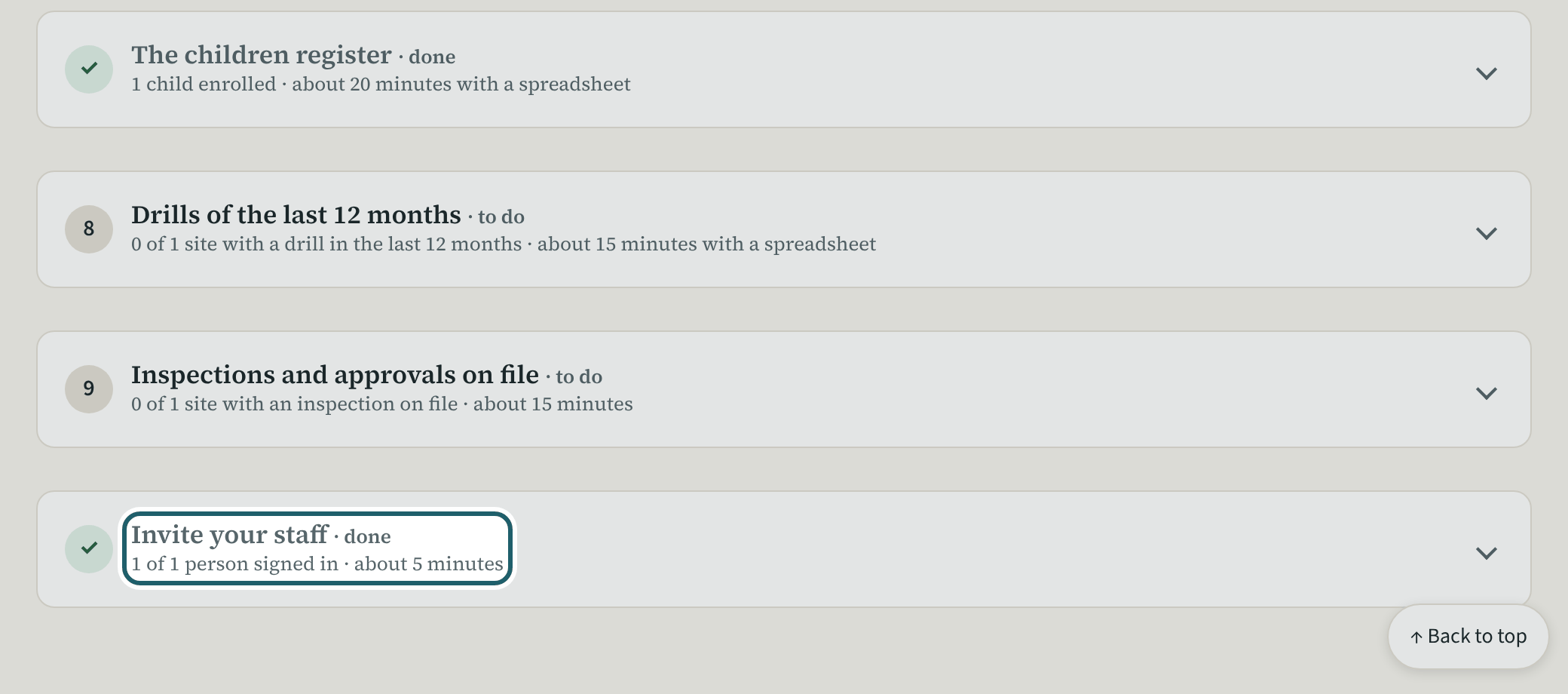
The last step: "Send the invitations". Each person gets one email with a link to choose a password; their policies and training are waiting for them.
Watch out: Send them after the policies are approved, so each person signs in to a list of things to do. "Resend invite" on a record replaces a link that expired.
More about this
The invitations go out once the policies are approved, so each person signs in to a list of things to do and not to an empty screen. The set-up page counts the people added without an invitation and sends them in one go; a person's record has "Resend invite" for a link that expired. Everyone gets the same first screen: their home page with "Your checklist" (read and confirm each policy, pass each quiz, complete required training), their screening documents and their rooms.
Your centre's words for people and its policies may differ; the screens are the same. The screen is from KeepCount 0.99.162, captured October 29, 2026 in a demonstration organization: everyone in it is fictional. Section numbers are O. Reg. 137/15 (General) under the Child Care and Early Years Act, 2014, read on e-Laws on October 20, 2026. This explains how KeepCount works; it is not legal advice, and the Ministry's program advisors decide compliance.