Step 14 of 26 · Your first day
The closing check
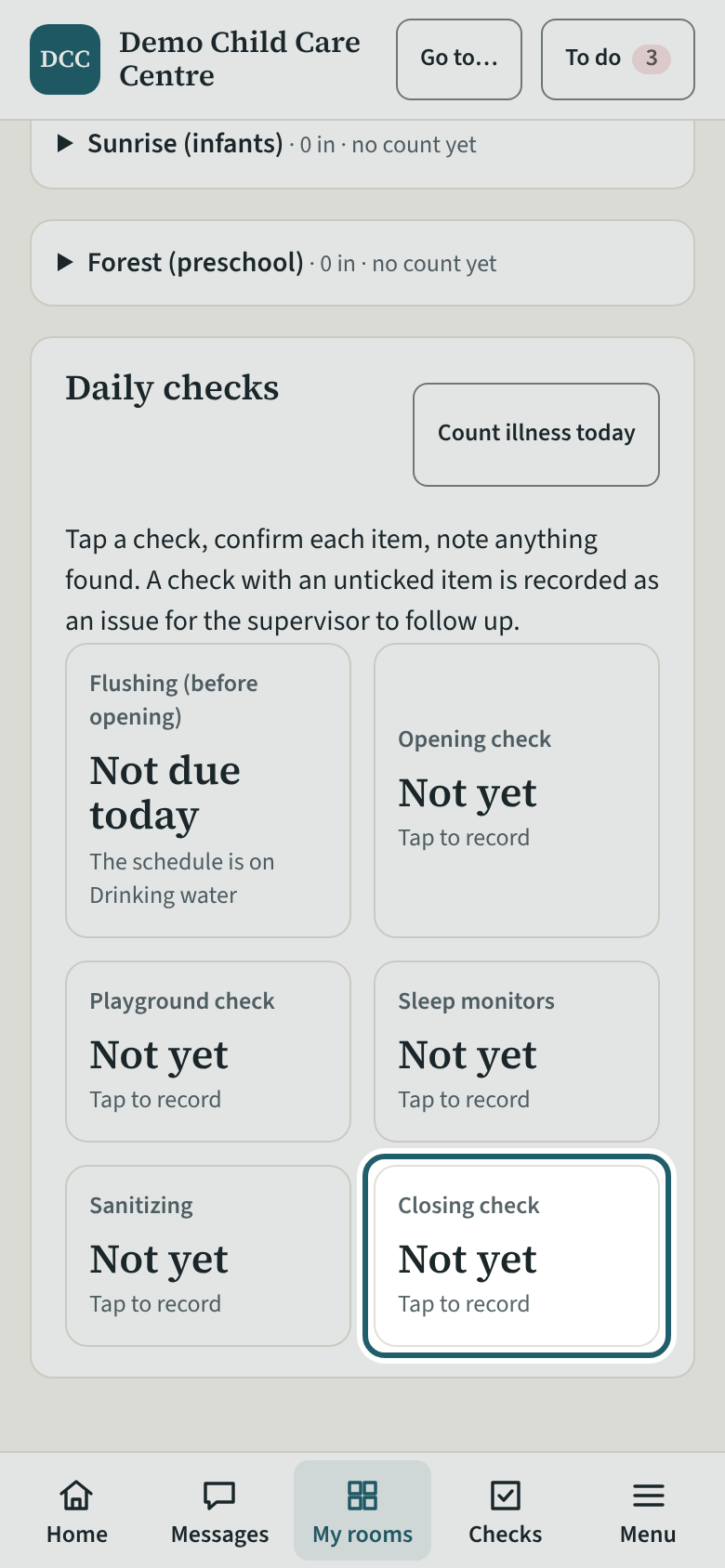
At the end of the day, tap "Closing check": every child signed out, the count at zero, the room tidy and secure.
Watch out: A child still shown as "in" after closing shows as "Signed in after closing" on the supervisor's board and "Still signed in" at the close-out: sign every departure out before you tap it.
More about this
The closing check is the last record of the day. Its items are your centre's own; tick each one as you do it and describe anything left undone.
Your centre's words for people and its policies may differ; the screens are the same. The screen is from KeepCount 0.99.144, captured October 27, 2026 in a demonstration organization: everyone in it is fictional. Section numbers are O. Reg. 137/15 (General) under the Child Care and Early Years Act, 2014, read on e-Laws on October 20, 2026. This explains how KeepCount works; it is not legal advice, and the Ministry's program advisors decide compliance.