Step 8 of 20 · Your first day
Providers
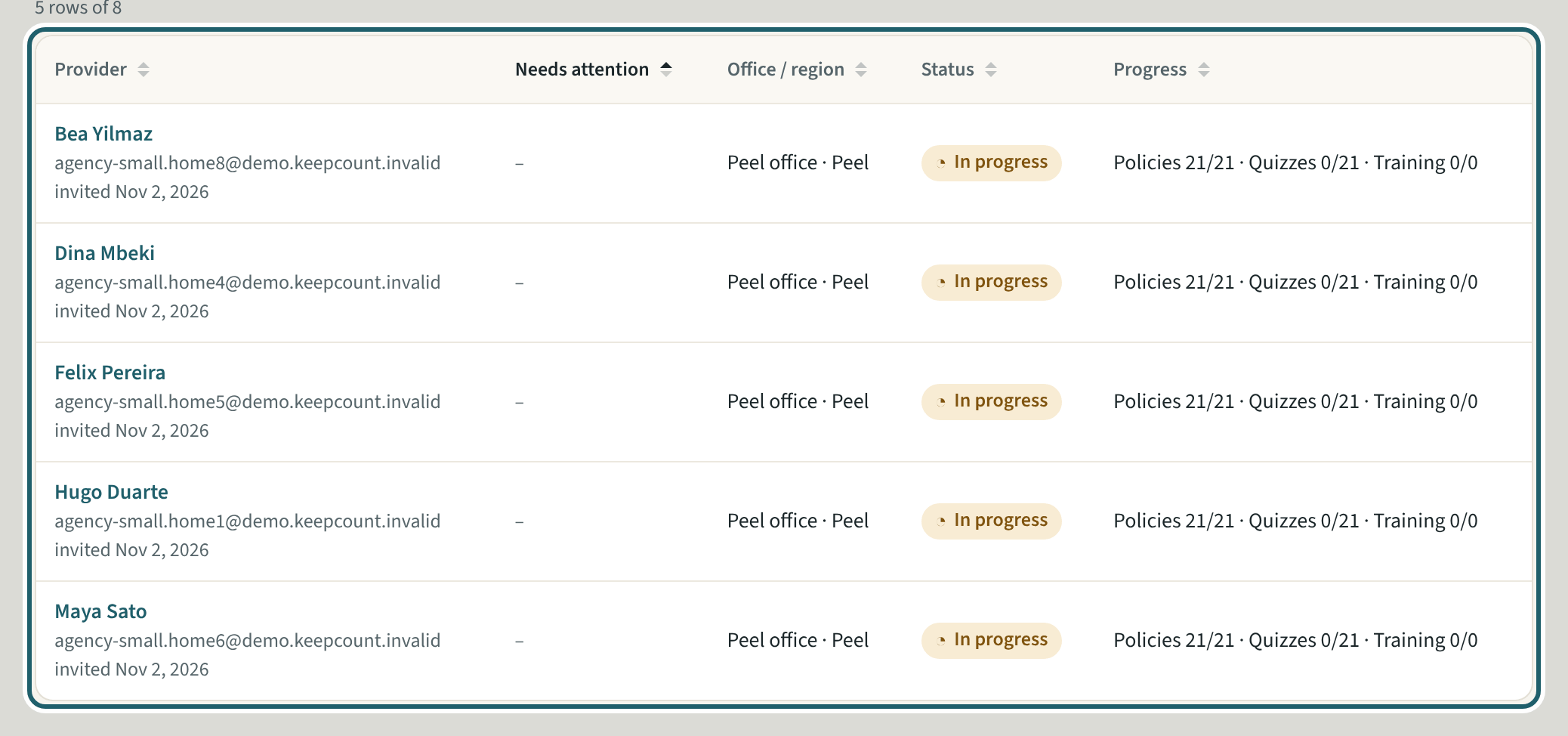
Providers: everyone the agency has invited, with what needs attention, the office, the status and their progress. Who needs attention comes first.
Watch out: The list opens at your office; choose "Every office" for all of them. "Add provider" adds the person, not their home: choose them on the home afterwards.
More about this
The filters are Needs attention, the status (Invited, In progress, Active or in progress, Inactive) and the office. A provider's record holds their policies and quizzes, their screening dates, their documents and their home visits, and the same page is where "Send reminder" and "Edit details" are. "Add provider" sends one invitation; "Invite a list" invites a list of providers at once. "Download CSV" exports the list.
Your agency's words for people and its policies may differ; the screens are the same. The screen is from KeepCount 0.99.191, captured November 2, 2026 in a demonstration organization: everyone in it is fictional. Section numbers are O. Reg. 137/15 (General) under the Child Care and Early Years Act, 2014, read on e-Laws on November 2, 2026. This explains how KeepCount works; it is not legal advice, and the Ministry's program advisors decide compliance.