Step 1 of 20 · Your first day
Sign in
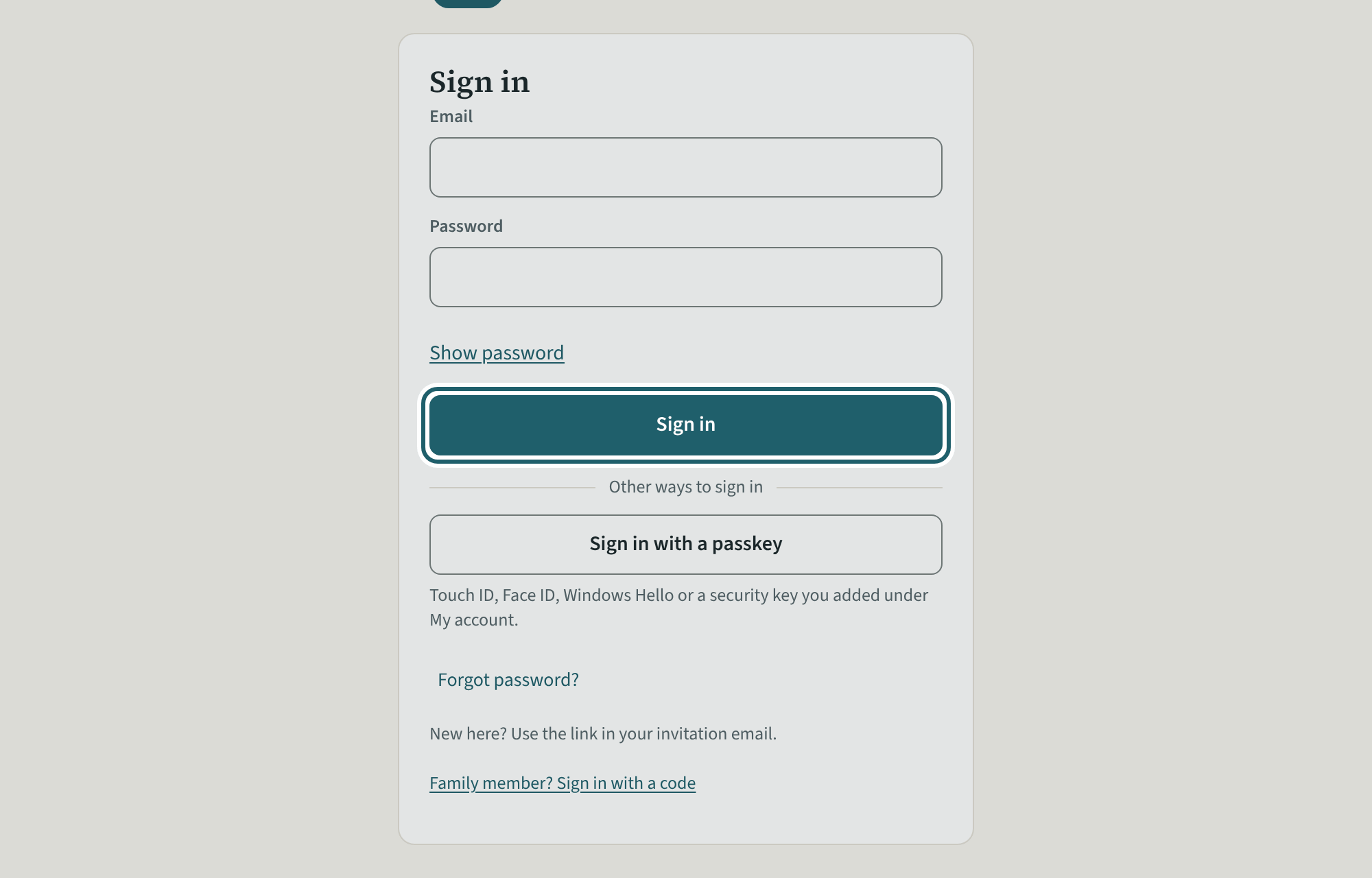
Sign in with your email and your password. Sign out at the top right when you leave a shared computer.
Watch out: An owner or administrator sees every office's records. Use your own login, never someone else's: the activity log names who did what.
More about this
Your sign-in email and password are on the sign-in page; "Sign in with a passkey" is also on the page, for a login that has one (add it under My account). If you work in more than one organization with this login, KeepCount asks which one first.
To sign out of KeepCount, use Sign out at the top right of the screen; on a phone it is at the foot of the menu.
Your agency's words for people and its policies may differ; the screens are the same. The screen is from KeepCount 0.99.191, captured November 2, 2026 in a demonstration organization: everyone in it is fictional. Section numbers are O. Reg. 137/15 (General) under the Child Care and Early Years Act, 2014, read on e-Laws on November 2, 2026. This explains how KeepCount works; it is not legal advice, and the Ministry's program advisors decide compliance.