Step 2 of 20 · Your first day
Choose your office
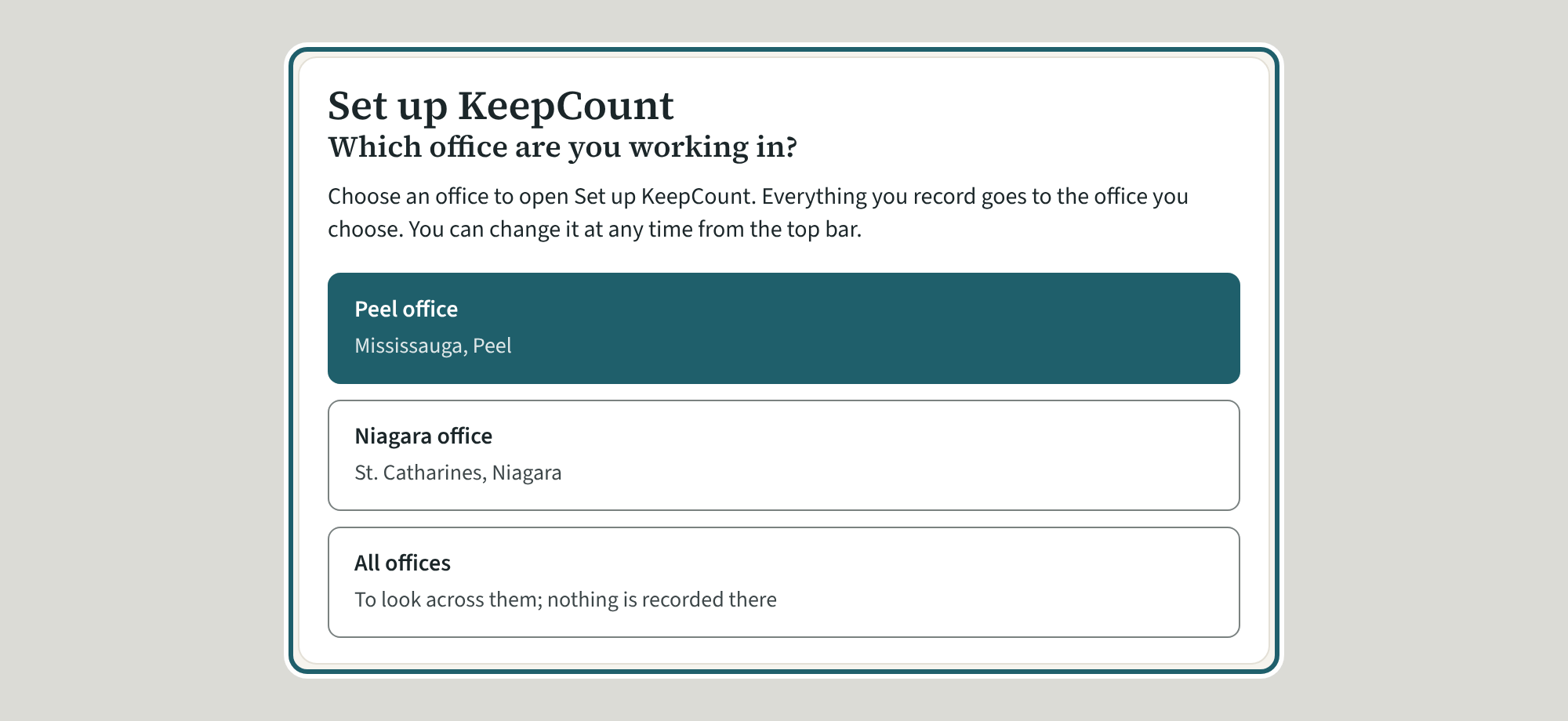
Choose the office you are working in, or "All offices" to look across them. The choice stays in the top bar, where you can change it at any time.
Watch out: Everything you record goes to the office you choose. "All offices" is for looking across: nothing is recorded there.
More about this
An agency with more than one office asks "Which office are you working in?" before the page you asked for, once a working day (it asks again after twelve hours). Each office shows its name and where it is. "All offices" is offered to owners and administrators of the whole agency; the top bar then reads "All offices (view only)". Peel office and Niagara office are the demonstration's two offices. An agency with a single office is never asked.
Your agency's words for people and its policies may differ; the screens are the same. The screen is from KeepCount 0.99.191, captured November 2, 2026 in a demonstration organization: everyone in it is fictional. Section numbers are O. Reg. 137/15 (General) under the Child Care and Early Years Act, 2014, read on e-Laws on November 2, 2026. This explains how KeepCount works; it is not legal advice, and the Ministry's program advisors decide compliance.