Step 21 of 29 · Your first week
Rooms, as you see them
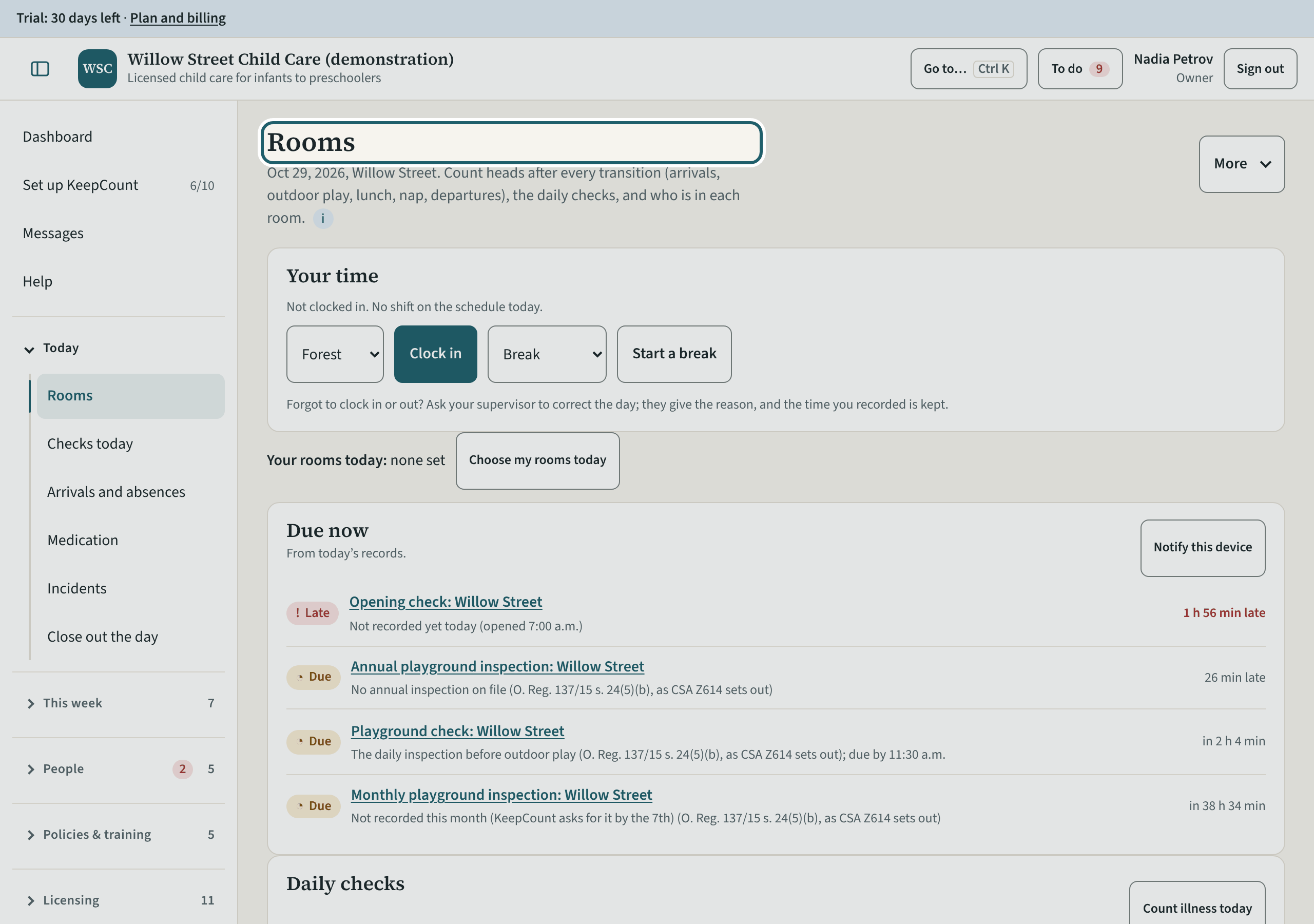
Rooms shows today's state of every room: the last head count and its verdict, who is signed in, the daily checks and the sleep checks.
Watch out: You can record in any room, but what you record is marked as yours, with the cover and its reason.
More about this
The room tablet: head counts with the Schedule 1 verdict before saving, the daily checks and sleep checks per child. Staff use it on their phones or a tablet in the room; you see today's state per room.
As the owner you cover a room the same way staff do, with the reason, and what you record is marked as yours. "Print sheets" prints the day's paper sheets for a room without a connection; "Review the day" opens the close-out; "This tablet" turns the device into a shared room tablet with a PIN per person.
Your centre's words for people and its policies may differ; the screens are the same. The screen is from KeepCount 0.99.162, captured October 29, 2026 in a demonstration organization: everyone in it is fictional. Section numbers are O. Reg. 137/15 (General) under the Child Care and Early Years Act, 2014, read on e-Laws on October 20, 2026. This explains how KeepCount works; it is not legal advice, and the Ministry's program advisors decide compliance.