Step 3 of 29 · Your first day
A few questions first
Open "Set up KeepCount" in the menu and answer the questions about your centre: about five minutes, and the readiness list follows your answers.
Watch out: A changed answer changes the readiness list: answer for how the centre runs today, and change it when that changes.
More about this
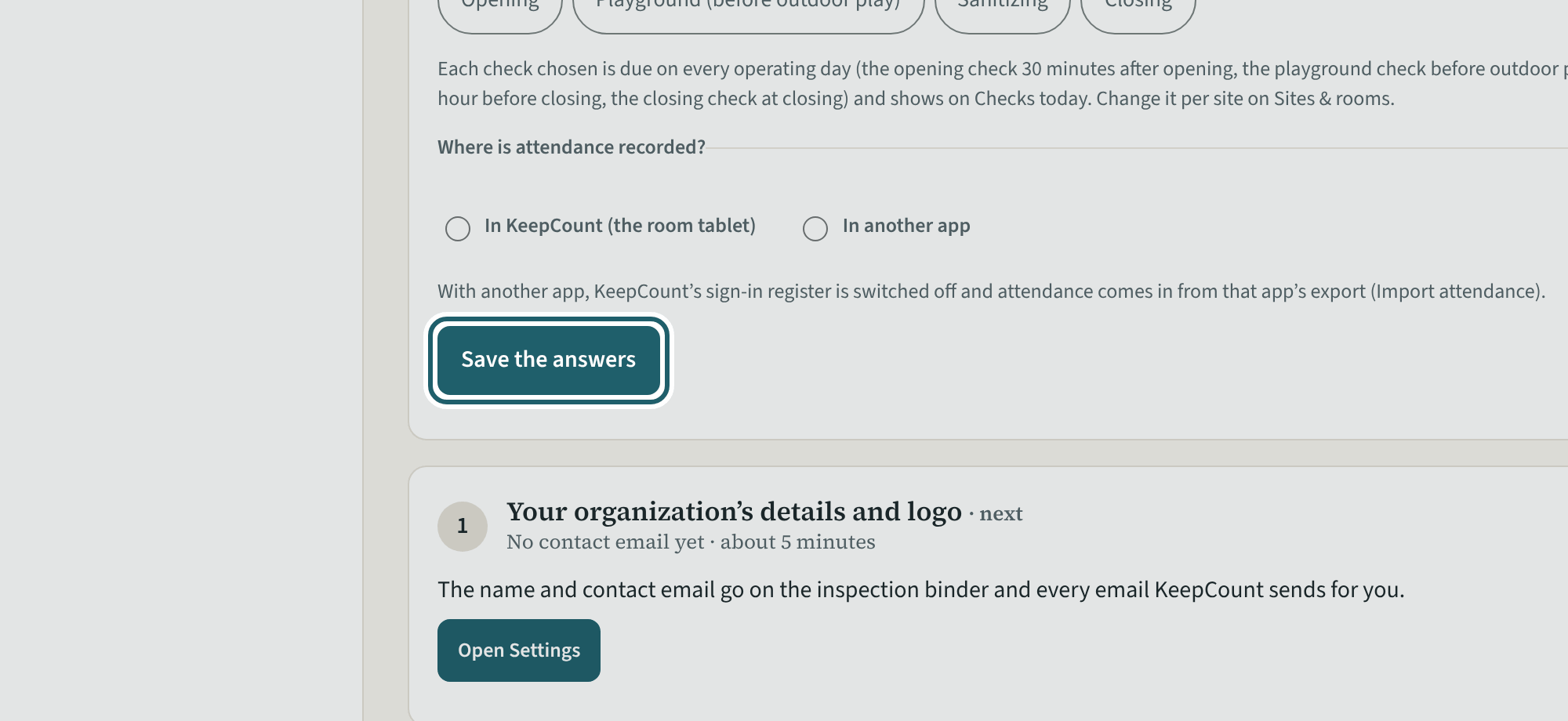
The questions decide which requirements apply to you, so the readiness list is yours and not the whole regulation. In order: which licensed age groups your sites serve; whether children sleep in a separate sleep room; whether electronic sleep monitors are used; whether any site is in a school; whether dogs, cats or ferrets are kept on the premises; where children play outdoors (at the centre, elsewhere with a director's approval, or nowhere because every program runs under six hours a day); how meals are provided; whether volunteers or students on placement work with the children; whether the centre is enrolled in CWELCC; which daily checks each site records in KeepCount (opening, playground before outdoor play, sanitizing, closing); and where attendance is recorded (the room tablet, or another app, whose export is imported).
Tap "Save the answers". You can change them any time ("Change the answers"); a changed answer changes the list.
Your centre's words for people and its policies may differ; the screens are the same. The screen is from KeepCount 0.99.162, captured October 29, 2026 in a demonstration organization: everyone in it is fictional. Section numbers are O. Reg. 137/15 (General) under the Child Care and Early Years Act, 2014, read on e-Laws on October 20, 2026. This explains how KeepCount works; it is not legal advice, and the Ministry's program advisors decide compliance.