Step 1 of 26 · Your first day
Sign in
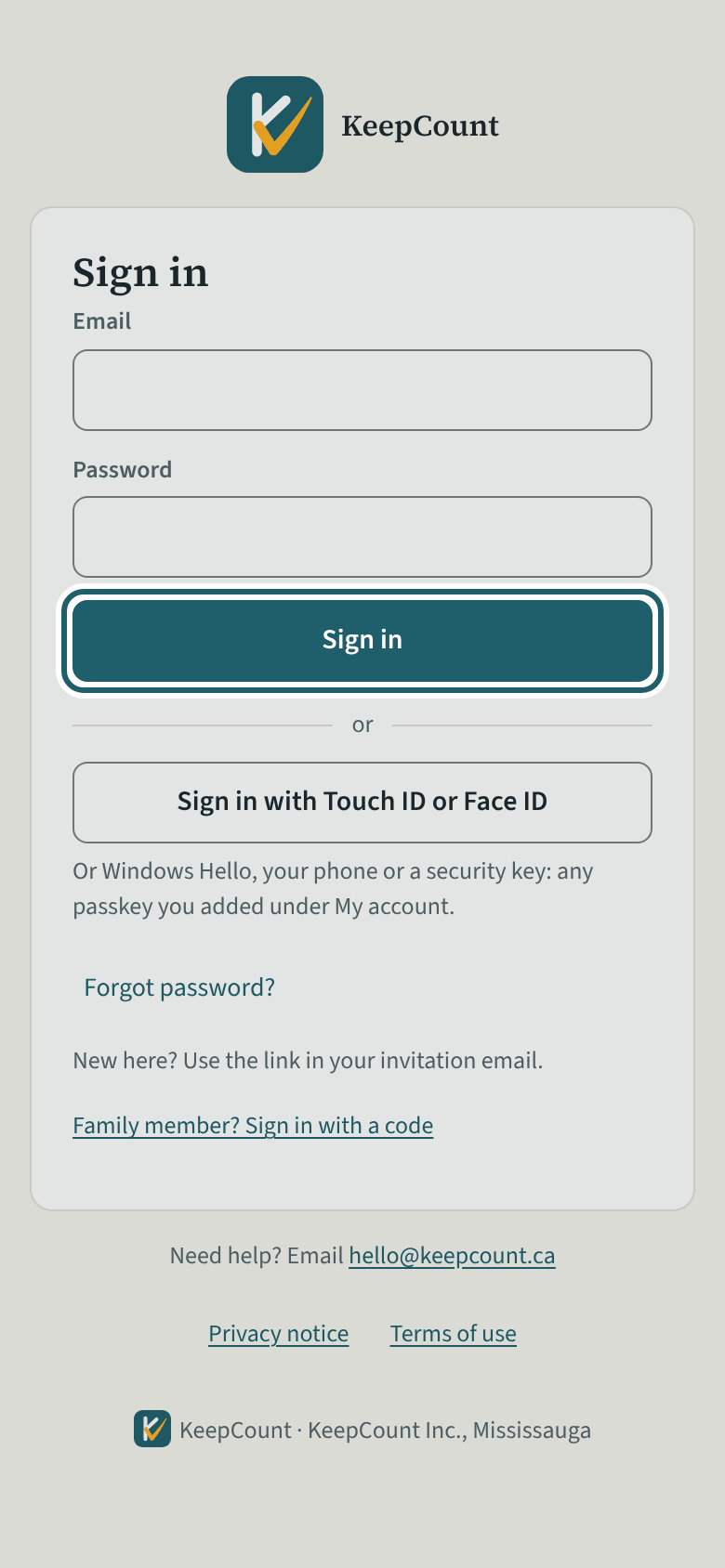
Open the link in your invitation email and choose a password. After that, sign in with your email and that password.
Watch out: Link expired? Choose "Forgot password?" on the sign-in page and enter your email for a new one. No invitation at all? Ask the office. KeepCount support answers about the system, never about your account at the centre.
More about this
Your centre's office sends the invitation. The link opens a page called "Choose a password"; type the password twice and tap "Save and continue". You land on My rooms. There is nothing else to set up on your first sign-in.
From then on, sign in at keepcount.ca with your email and that password. "Forgot password?" sends a link to your email. On a phone or tablet that has Touch ID or Face ID, you can add a passkey later under My details and sign in with it instead of typing the password. A short tour of your screens runs the first time you open your home page; skip it, or take it again from Help (the last step).
If the link has expired, choose "Forgot password?" on the sign-in page and enter your email: a new link comes to it. If you never received the invitation at all, ask the office to send it again. KeepCount support ([email protected]) answers questions about the system itself, not about your account at the centre.
To sign out of KeepCount, use Sign out at the top right of the screen; on a phone it is at the foot of the menu. If records made without a connection are still waiting to send, KeepCount says so and asks before it signs you out.
Your centre's words for people and its policies may differ; the screens are the same. The screen is from KeepCount 0.99.144, captured October 27, 2026 in a demonstration organization: everyone in it is fictional. Section numbers are O. Reg. 137/15 (General) under the Child Care and Early Years Act, 2014, read on e-Laws on October 20, 2026. This explains how KeepCount works; it is not legal advice, and the Ministry's program advisors decide compliance.