Step 29 of 29 · Your first week
Help and the tour
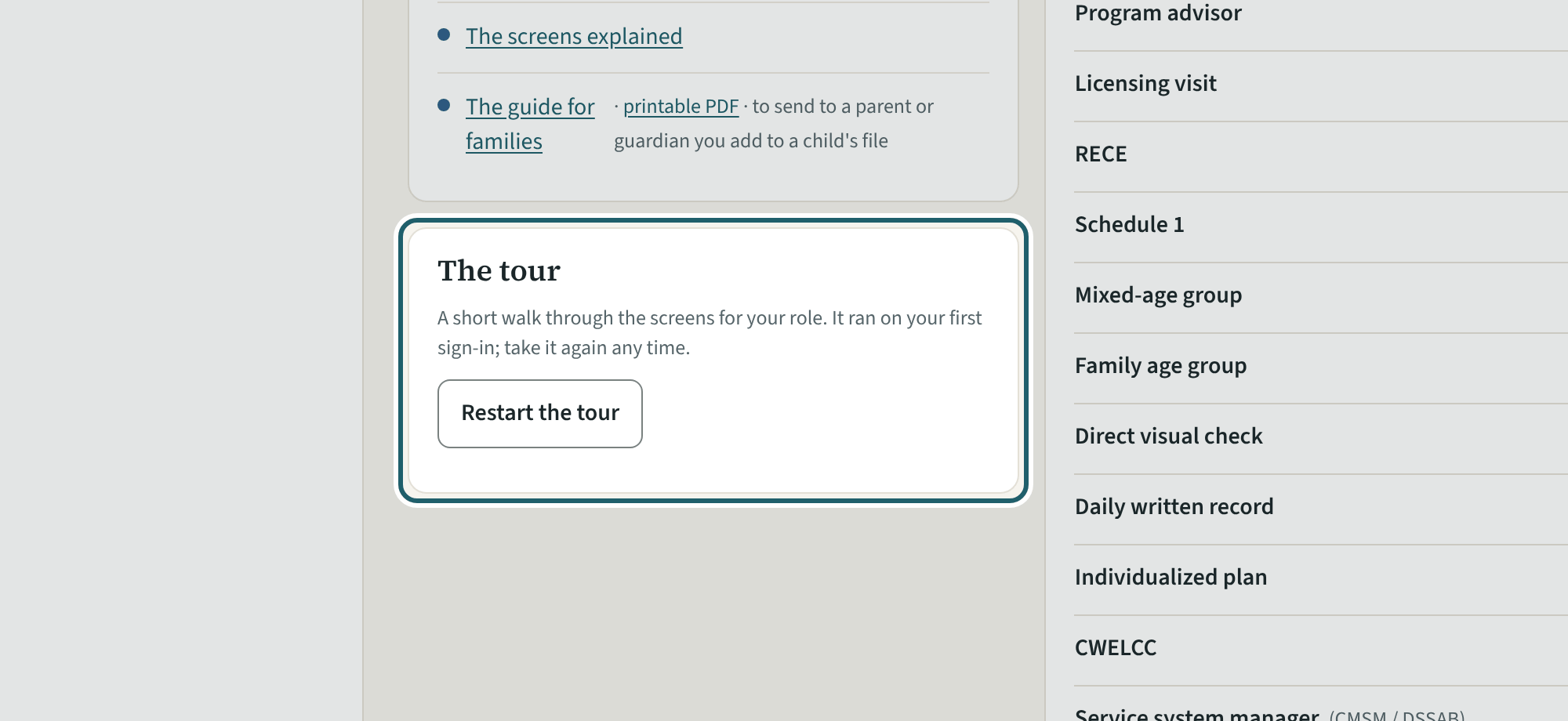
Help has this guide, the guides to the regulation, the glossary, who to ask, and "Restart the tour" for your nine screens.
Watch out: "Report a problem" goes to KeepCount support only, with this version: say what you did and what you saw, without a child's name or health details.
More about this
Help also has your first day and first week (this guide, with its printable copy), the guides to the regulation and the glossary. With Families on, Getting started also links the families' guide, to send to a parent or guardian you add to a child's file. "Who to ask" names your office's address for anything about your account and the centre, and KeepCount support ([email protected]) for the system itself; a person answers within two business days. "Report a problem" sends what you saw and the screen to KeepCount support only, with this version: say what you did and what you saw, without a child's name or health details. What's new appears there when a release has notes for you; reading them takes the item off your To do.
"Where do I…?" at the top of Help, and "Go to…" at the top of every screen (in Menu on a phone; Ctrl K, or ⌘K on a Mac), find the step of this guide for a few words such as "sign out" or "fire drill", with "Take me there" and its whole explanation, then the pages and the glossary. When nothing matches, "Tell support what you were looking for" opens Report a problem with your words filled in; for a person, a home or a child, "Find a file on Inspection day" above it finds their file. Where your organization's owner has turned on "Ask the assistant" (it is off until then), a button under the box answers what you typed from your own guide, with the steps it used and "Take me there". Pressing it sends what you typed to Anthropic, outside Canada, and KeepCount does not keep it: leave out names and anything about a child or a family.
Nine steps: the readiness score, Needs you, Staff, Licensing readiness, Rooms, Drills, Incidents, the inspection binder and Help. Each step moves to its screen and marks the menu item. "Skip for now" brings it back next time; "Don't show again" keeps it off until you restart it from Help.
Your centre's words for people and its policies may differ; the screens are the same. The screen is from KeepCount 0.99.162, captured October 29, 2026 in a demonstration organization: everyone in it is fictional. Section numbers are O. Reg. 137/15 (General) under the Child Care and Early Years Act, 2014, read on e-Laws on October 20, 2026. This explains how KeepCount works; it is not legal advice, and the Ministry's program advisors decide compliance.