Step 12 of 29 · Your first day
Add staff
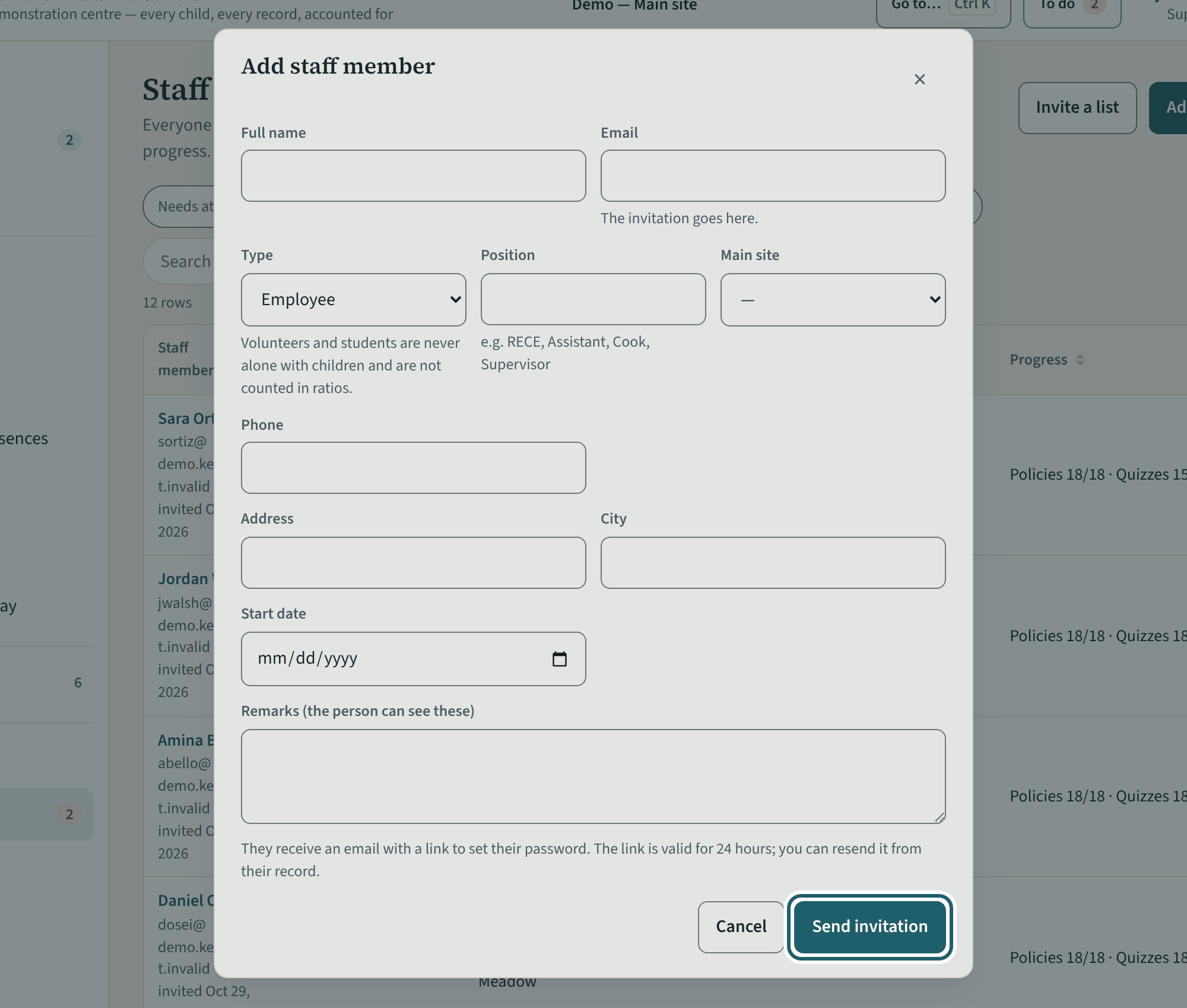
"Add staff member" adds a room staff member or a volunteer at your site; their invitation goes out when you save. Administrators add the other levels.
Watch out: A person whose main site is another site is managed there. A document you uploaded is verified by another administrator.
More about this
Each person's policies, quizzes, training and screening dates. Enter a vulnerable sector check or first aid date once; KeepCount works out the renewal and reminds the person, and you, before it lapses.
A supervisor manages the people whose main site is hers: their screening dates, their documents (you verify a document someone else uploaded; another administrator verifies yours), their rooms, their reminders, and deactivating them when they leave. If a person's phone is lost or their login is misused, press "Lock this person" on their record at once: it signs them out everywhere and stops their alerts. Only an owner or an administrator can set them up again. A person whose main site is another site is managed there. Supervisors, office staff and administrators are added by an administrator under Logins and access.
Your centre's words for people and its policies may differ; the screens are the same. The screen is from KeepCount 0.99.162, captured October 29, 2026 in a demonstration organization: everyone in it is fictional. Section numbers are O. Reg. 137/15 (General) under the Child Care and Early Years Act, 2014, read on e-Laws on October 20, 2026. This explains how KeepCount works; it is not legal advice, and the Ministry's program advisors decide compliance.