Step 17 of 20 · Your first week
Provider pay
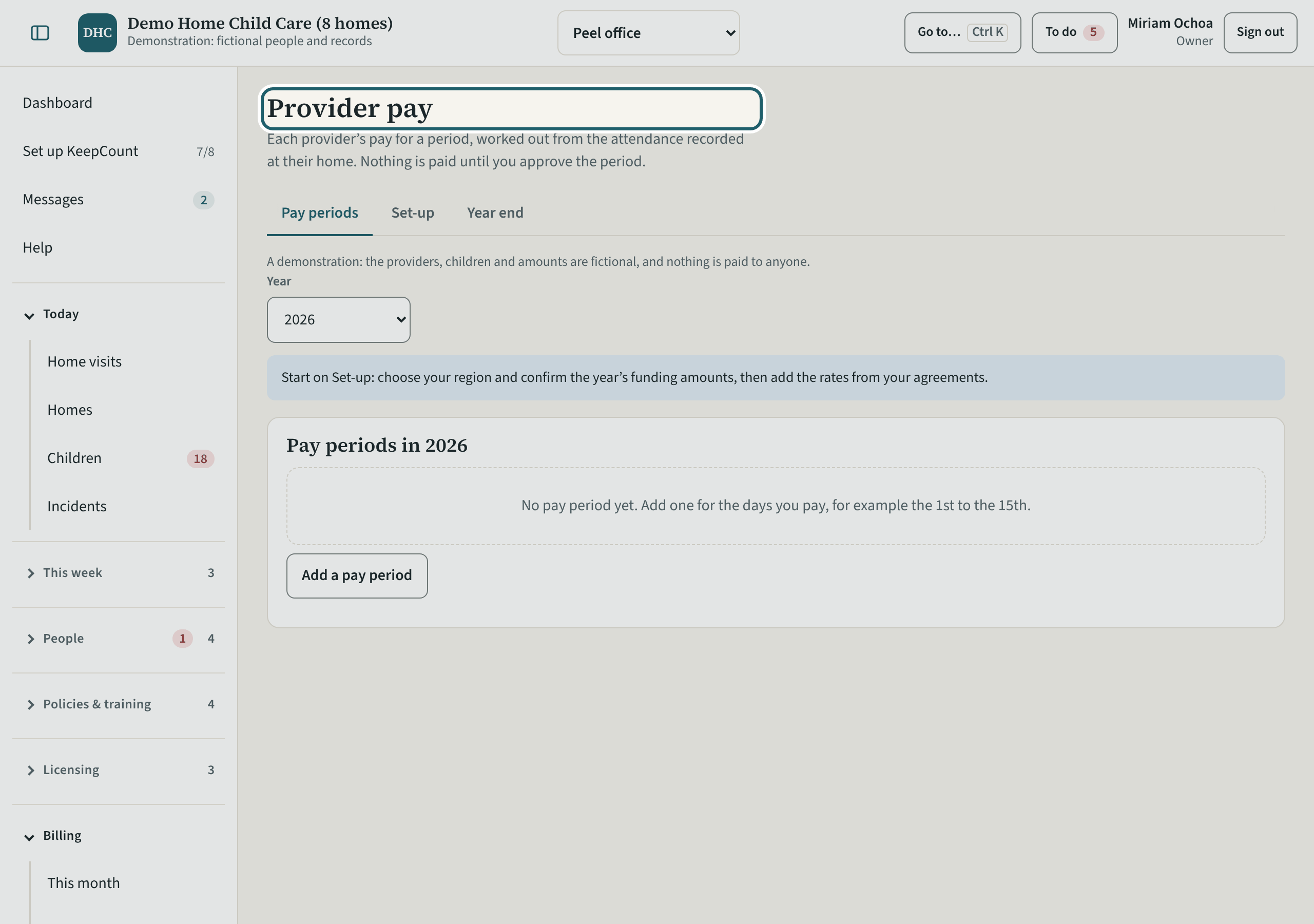
Provider pay: each provider's pay for a period, worked out from the attendance recorded at their home. Nothing is paid until you approve the period.
Watch out: KeepCount sends no money. Start on Set-up: choose your region, confirm the year's funding amounts and add the rates from your agreements.
More about this
The tabs are Pay periods, Set-up and Year end, with the year chosen above. "Add a pay period" starts one for the days you pay, for example the 1st to the 15th. Provider pay is the owner's choice under Settings, Organization, Features.
Your agency's words for people and its policies may differ; the screens are the same. The screen is from KeepCount 0.99.191, captured November 2, 2026 in a demonstration organization: everyone in it is fictional. Section numbers are O. Reg. 137/15 (General) under the Child Care and Early Years Act, 2014, read on e-Laws on November 2, 2026. This explains how KeepCount works; it is not legal advice, and the Ministry's program advisors decide compliance.