Step 18 of 20 · Your first week
Settings
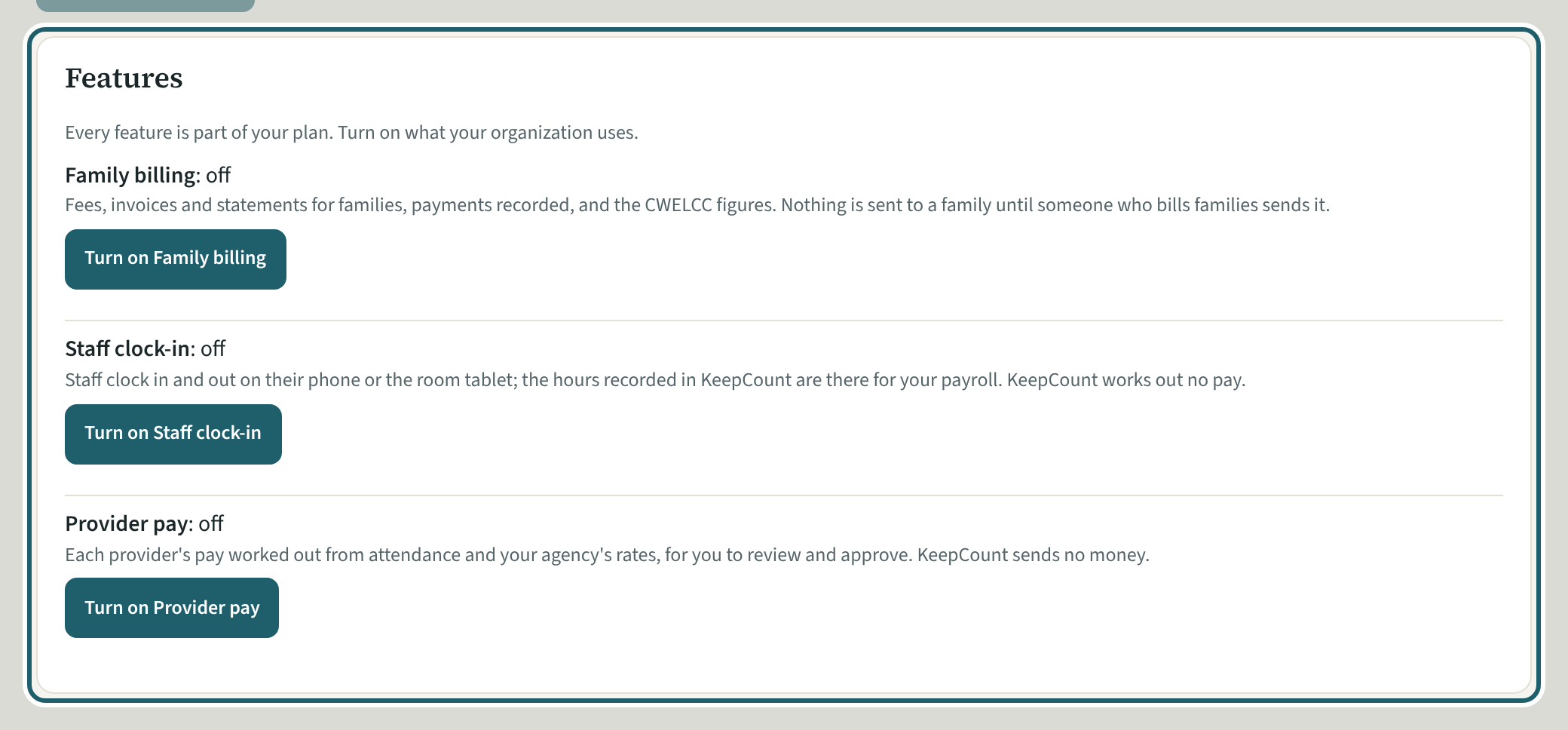
Settings: the agency's name, logo and contact details, and "Features": turn on family billing, the staff clock and provider pay, if your agency uses them.
Watch out: Only the owner can change the features. Turning one off hides it for everyone; what was recorded is kept, and turning it on again shows it.
More about this
The tabs are Organization, People and screening, Policies and training, Homes and visits, Families, Reminders and emails, Your data and Advanced, each with its own Save. Under Organization, "Features" lists Family billing, Staff clock-in and Provider pay, each on or off, with "Turn on" or "Turn off". Plan and billing has its own page, the owner's, for the plan, the invoices and cancelling. "Advanced" holds Ask the assistant, which is off until the owner turns it on.
Your agency's words for people and its policies may differ; the screens are the same. The screen is from KeepCount 0.99.191, captured November 2, 2026 in a demonstration organization: everyone in it is fictional. Section numbers are O. Reg. 137/15 (General) under the Child Care and Early Years Act, 2014, read on e-Laws on November 2, 2026. This explains how KeepCount works; it is not legal advice, and the Ministry's program advisors decide compliance.