Step 13 of 21 · Each month
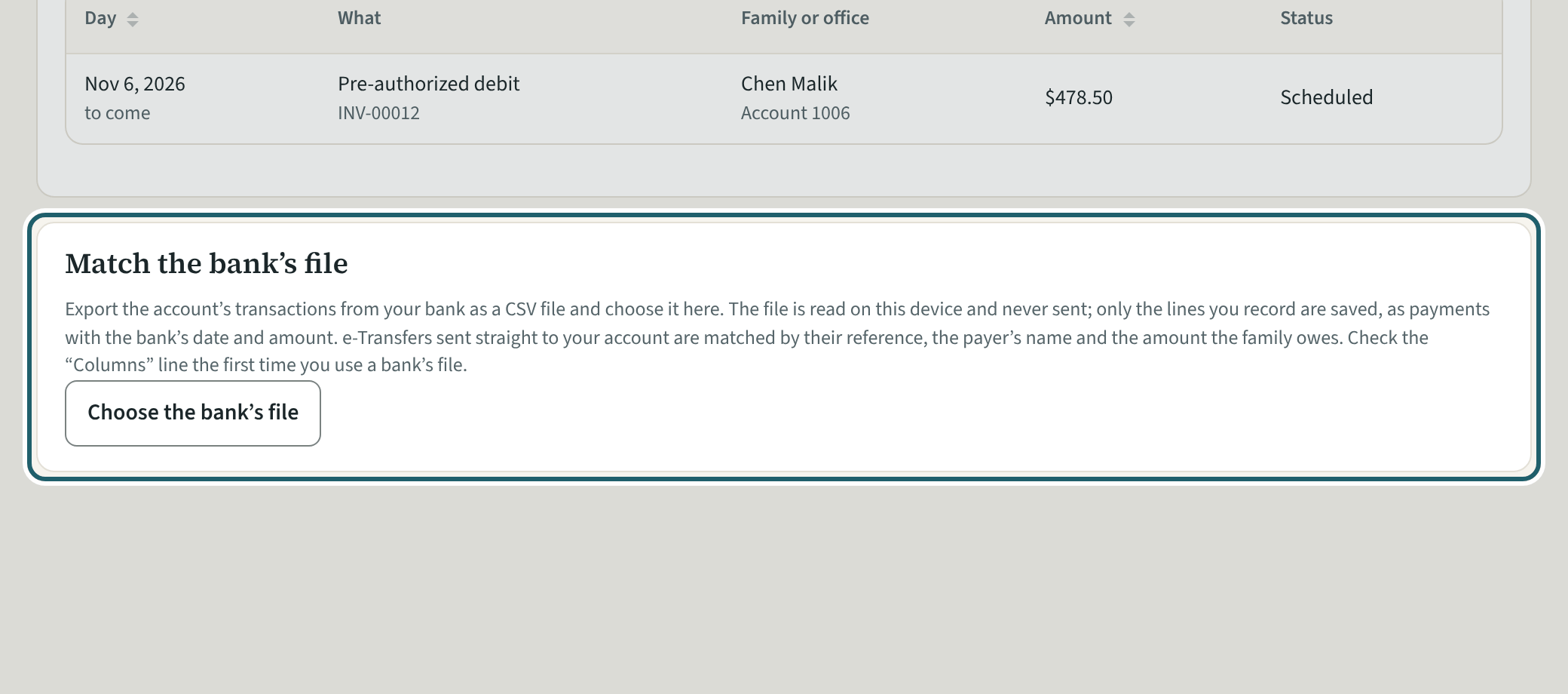
Match the bank's file
"Match the bank's file": choose your bank's transactions file. Each money-in line shows what KeepCount suggests, recorded with one tap.
Watch out: The file is read on this device and never sent. A line KeepCount has recorded already says so: check it before "Record it anyway".
More about this
Download the transactions from your bank's website as a CSV file and choose it here. If the columns are not found, the "Columns" choice names the date, the way dates are written, the description and the money in.
Each money-in line says what it probably is: recorded already, a deposit you made, or a family by the payer's name or the amount owed. "Record the payment" records it with the bank's date and the e-Transfer's reference; "Record as not matched" puts it on To match; "Leave it out" skips it.
Your centre's words for people and its policies may differ; the screens are the same. The screen is from KeepCount 0.99.141, captured October 27, 2026 in a demonstration organization: everyone in it is fictional. Section numbers are O. Reg. 137/15 (General) under the Child Care and Early Years Act, 2014, read on e-Laws on October 23, 2026. This explains how KeepCount works; it is not legal advice, and the Ministry's program advisors decide compliance.