Step 7 of 29 · Your first day
Add the rooms
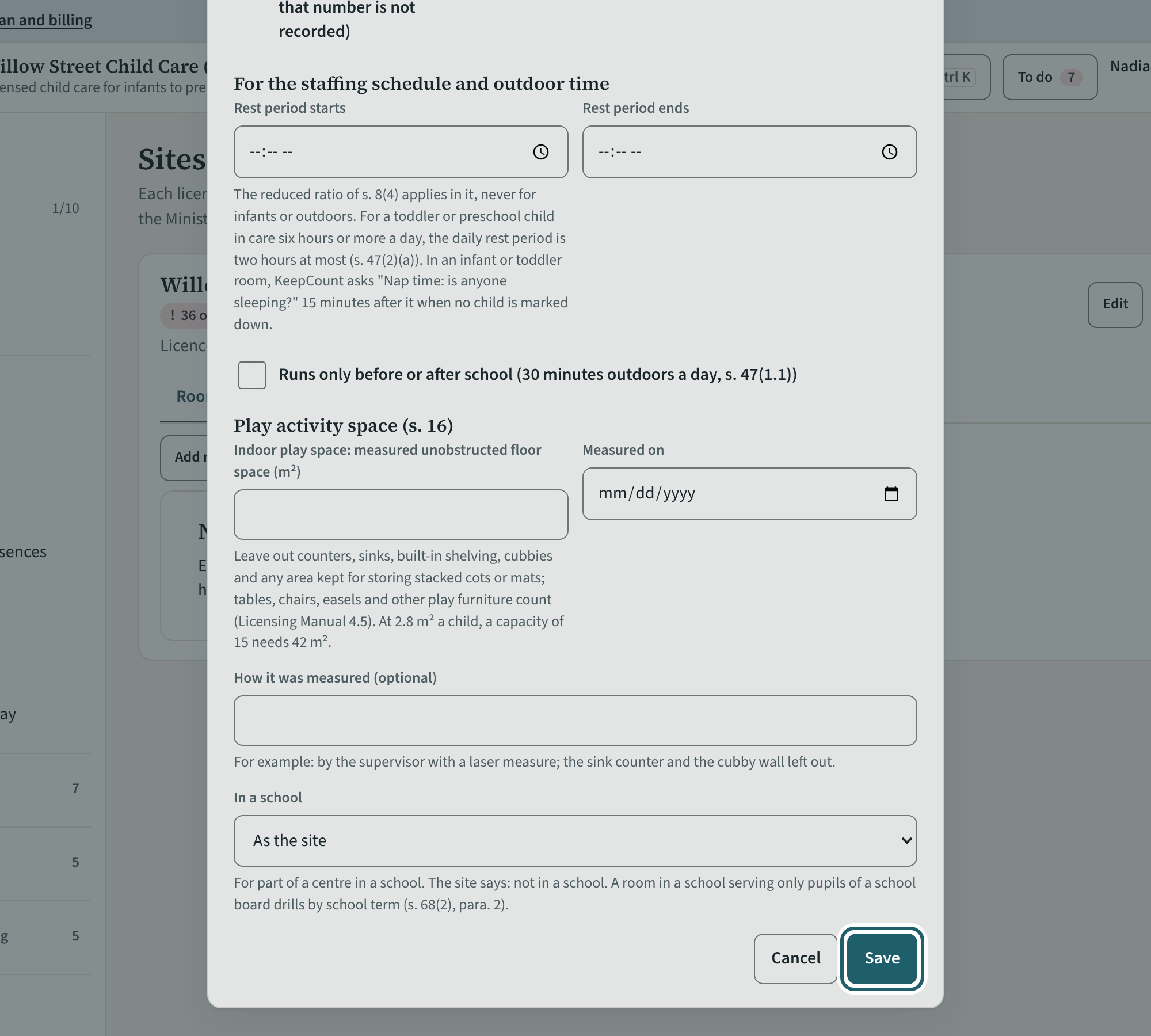
"Add room" for each licensed room: its name, its licensed age group and its licensed capacity. The ratio and group size follow from the age group.
Watch out: The age group decides the ratio and group size every head count is judged against; a mixed-age group approved by a director is marked here.
More about this
The licensed age groups are Schedule 1's (infant, toddler, preschool, kindergarten, primary/junior school age, junior school age) and the family age group of Schedule 4. For every licensed age group the ratio of employees to children, the maximum group size and the proportion of qualified employees set out in Schedule 1 must be kept, on the premises and on outings (s. 8(1); a licensed family age group follows s. 8.1 instead); a head count in that room is judged against them. A mixed-age group approved by a director is marked here, so s. 8(3)'s rules apply to its counts.
"In use" takes a room out of the day's checks without deleting it. The order sets how rooms are listed on the tablet.
Your centre's words for people and its policies may differ; the screens are the same. The screen is from KeepCount 0.99.162, captured October 29, 2026 in a demonstration organization: everyone in it is fictional. Section numbers are O. Reg. 137/15 (General) under the Child Care and Early Years Act, 2014, read on e-Laws on October 20, 2026. This explains how KeepCount works; it is not legal advice, and the Ministry's program advisors decide compliance.