Step 6 of 29 · Your first day
The site: licence, capacity, days
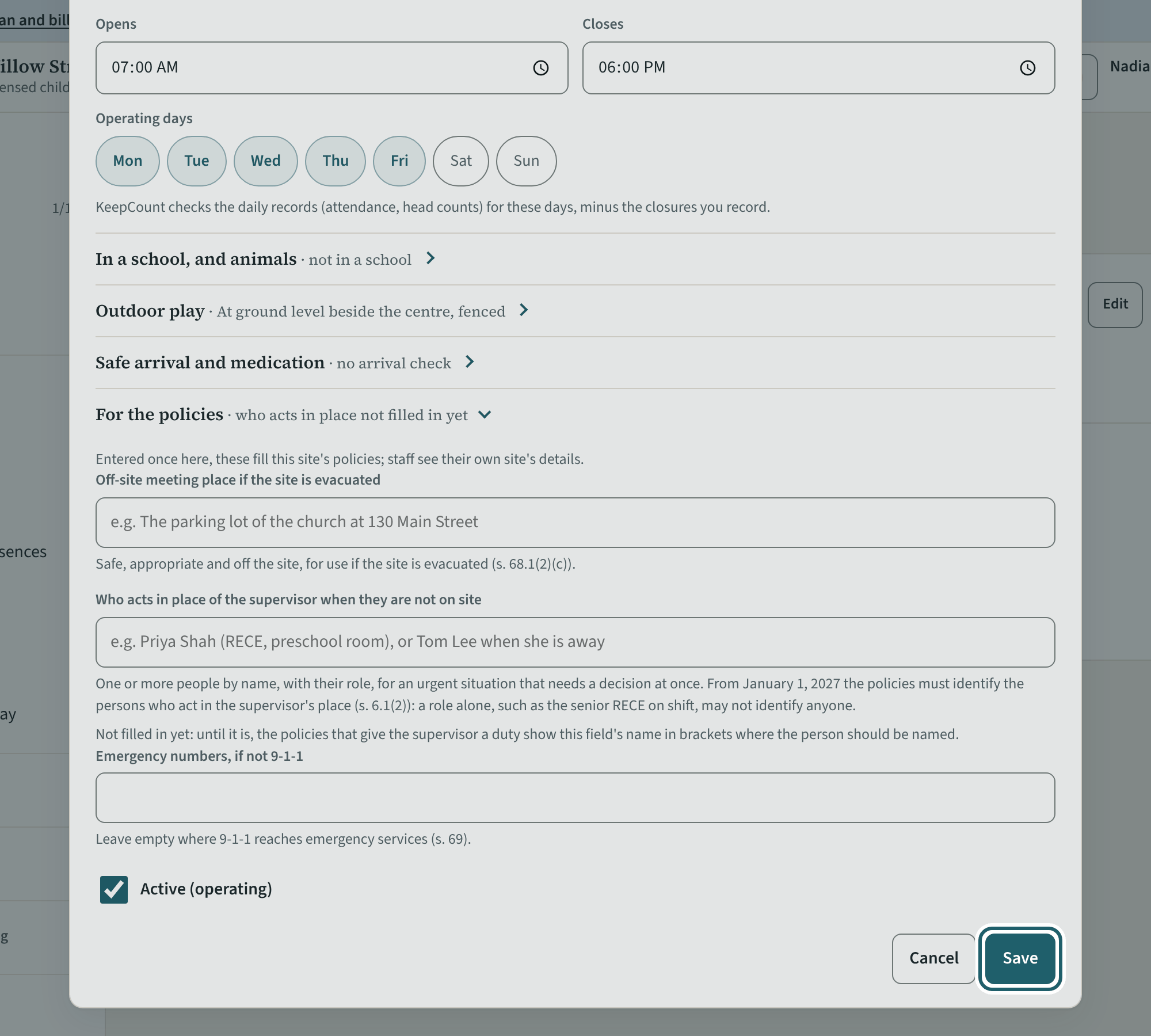
On Sites & rooms, "Edit" the site: its name as on the licence, the licence number, capacity and expiry, the supervisor, the hours and operating days.
Watch out: Use the name on the licence. The hours set when the opening check is due, when a child is "expected and not here", and when the closing check is due.
More about this
Give each site its name as on its licence (a site set up at sign-up is called "… site 2" and so on until you rename it) and add its licence number, licensed capacity and licence expiry, which print in the binder; its operating days decide which days need a full day of records. The hours set when the opening check is due, when a child is "expected and not here", and when the closing check is due.
The site dialog also holds what the policies need: whether the site is in a school and its term dates, the outdoor play space and how it was measured (s. 24(1): 5.6 square metres a child for a program of six hours or more), safe arrival and medication settings, and the first day open. Every centre must employ a supervisor who plans and directs the program, is in charge of the children and oversees the staff (s. 6(4)); name them here once they have a login.
Your centre's words for people and its policies may differ; the screens are the same. The screen is from KeepCount 0.99.162, captured October 29, 2026 in a demonstration organization: everyone in it is fictional. Section numbers are O. Reg. 137/15 (General) under the Child Care and Early Years Act, 2014, read on e-Laws on October 20, 2026. This explains how KeepCount works; it is not legal advice, and the Ministry's program advisors decide compliance.