Step 5 of 29 · Your first day
Your organization's details
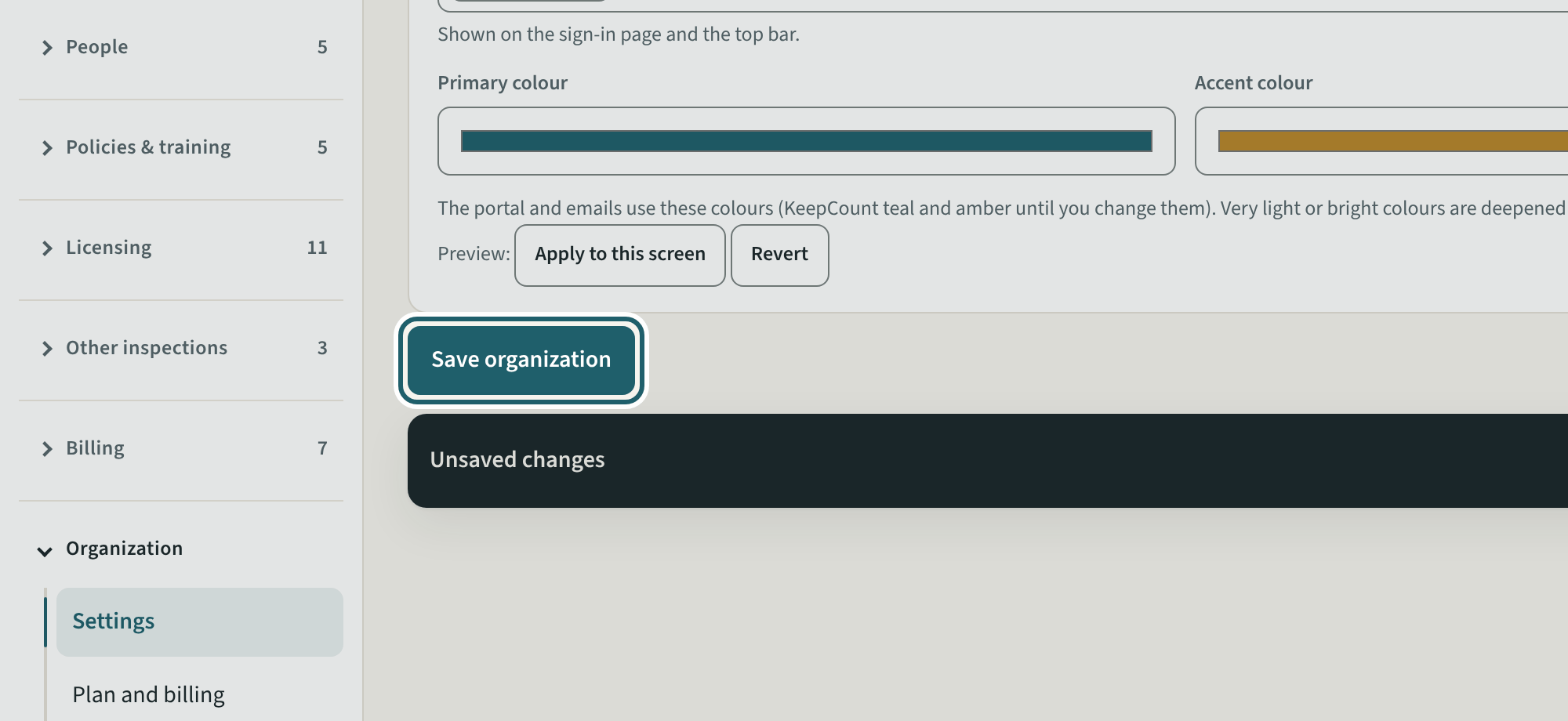
In Settings, check the name, add the contact email staff see, your tagline and your logo, then "Save organization".
Watch out: The name and contact email print on the binder and every email KeepCount sends for you: check them before inviting anyone.
More about this
The name and contact email go on the inspection binder and every email KeepCount sends for you. The logo and colours go on the sign-in page and the top bar; KeepCount checks every colour pair for contrast, so very light or very bright picks are deepened on their own. The short name goes on the top bar.
The licensee is responsible for the operation and management of each centre, including its program, financial and personnel administration (O. Reg. 137/15, s. 6(1)); these details are the first thing a program adviser reads in the binder.
Your centre's words for people and its policies may differ; the screens are the same. The screen is from KeepCount 0.99.162, captured October 29, 2026 in a demonstration organization: everyone in it is fictional. Section numbers are O. Reg. 137/15 (General) under the Child Care and Early Years Act, 2014, read on e-Laws on October 20, 2026. This explains how KeepCount works; it is not legal advice, and the Ministry's program advisors decide compliance.