Step 41 of 41 · Your other screens
My account
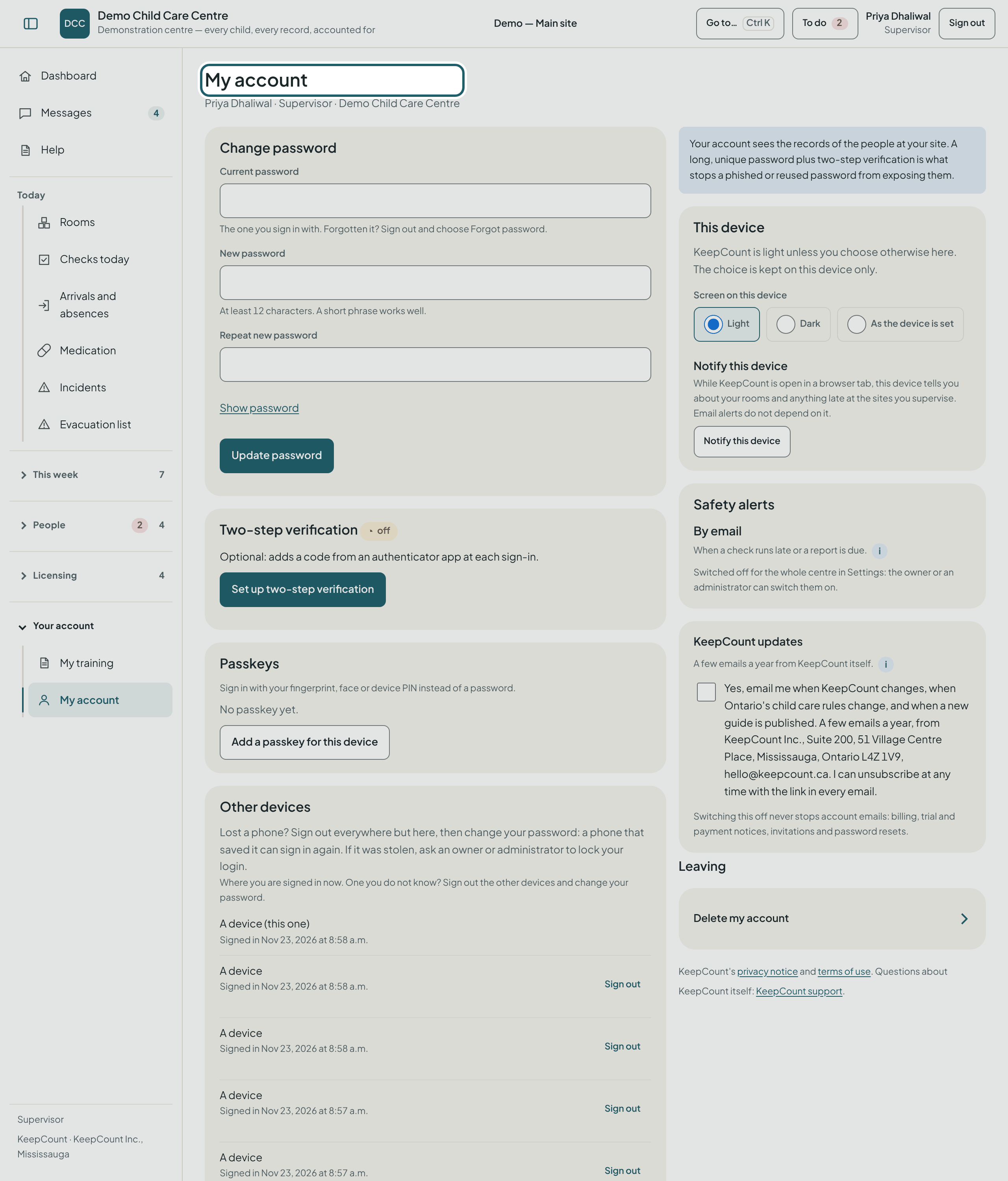
My account: your sign-in email, your password, two-step verification, a passkey for this device, your own documents, and the KeepCount updates switch.
More about this
"Change password" and "Add a passkey for this device" (Touch ID, Face ID, Windows Hello or a security key) are here; "KeepCount updates" chooses whether you receive the product's update emails. When your organization requires two-step verification, you set it up here, and the admin panel stays closed to you until you do; otherwise it is optional. The reminder emails you receive carry an unsubscribe link; this page has no switch for them.
Your centre's words for people and its policies may differ; the screens are the same. The screen is from KeepCount 0.99.317, captured November 23, 2026 in a demonstration organization: everyone in it is fictional. Section numbers are O. Reg. 137/15 (General) under the Child Care and Early Years Act, 2014, read on e-Laws on October 20, 2026. This explains how KeepCount works; it is not legal advice, and the Ministry's program advisors decide compliance.