Step 28 of 33 · Your first week
Messages
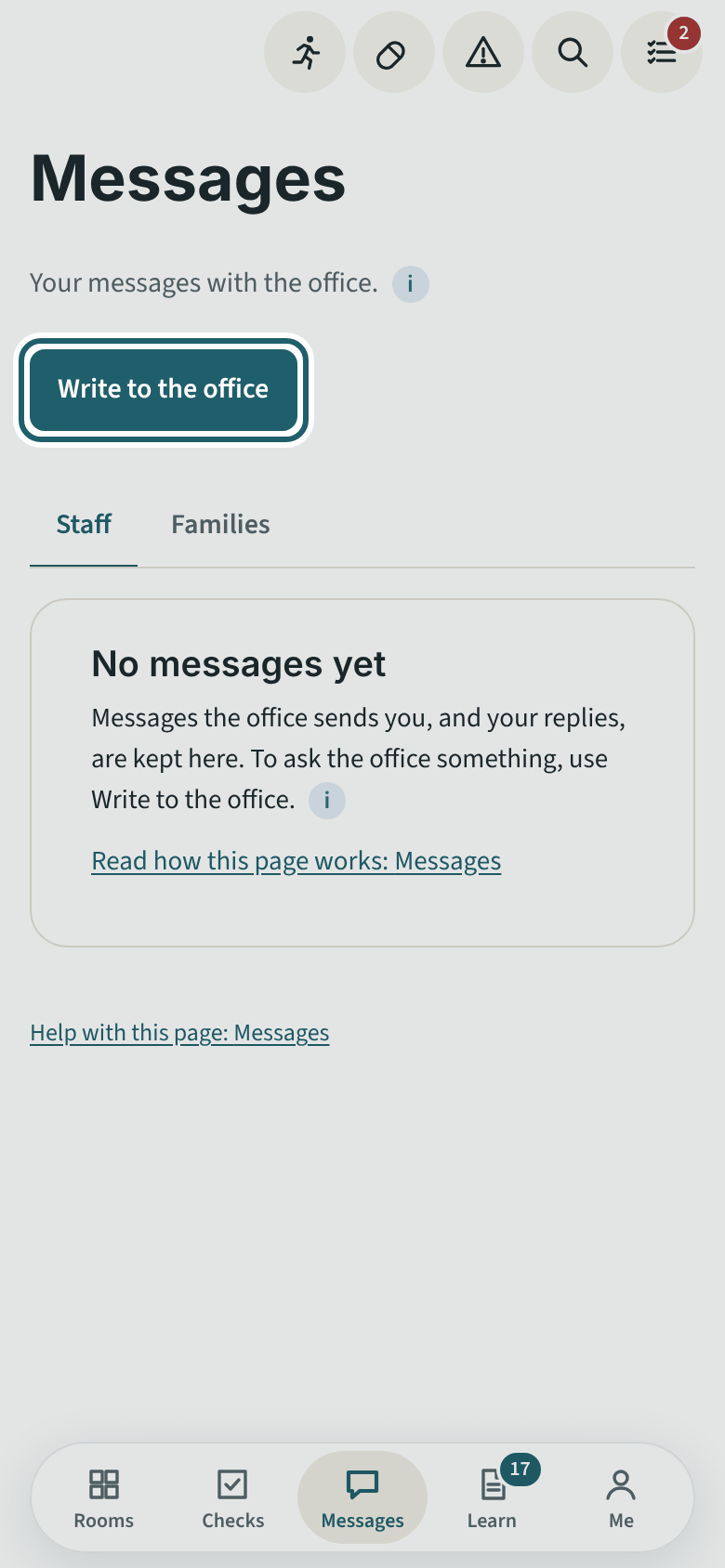
Messages from the office show on your home page until you read them. "Write to the office" starts a conversation; a reply goes to the office only.
Watch out: No child's health details go in a message. For anything urgent about a child, tell your supervisor at once.
More about this
Each message shows who it is from and who it went to, with "New" until you open it; the office sees who has read it. "Reply to the office" goes to the office only, never to the others it went to; a message that takes no replies says so. "Write to the office" takes a subject and a message: the owners and administrators read it, and the supervisors and office staff of your site, and their answer comes back here.
Inbox, Sent and Archived sort your conversations: "Archive" puts one away for you only, and it comes back to the Inbox when someone writes in it. "Search messages" looks in every folder. Where your centre has Families on, a Families tab carries messages with a child's family.
Your centre's words for people and its policies may differ; the screens are the same. The screen is from KeepCount 0.99.312, captured November 20, 2026 in a demonstration organization: everyone in it is fictional. Section numbers are O. Reg. 137/15 (General) under the Child Care and Early Years Act, 2014, read on e-Laws on October 20, 2026. This explains how KeepCount works; it is not legal advice, and the Ministry's program advisors decide compliance.